


- News
- E-mail list
- Signup for our newsletter
- Stentec news
- News
- Developers Blog
- WinGPS
- WinGPS series
- WinGPS versions
- WinGPS specifications
- For Windows
- WinGPS Lite
- WinGPS Navigator
- WinGPS Pro
- WinGPS Voyager
- For Android
- WinGPS Marine
- WinGPS Marine Plus
- WinGPS Smartwear
- For iOS
- Apps for iOS
- WinGPS Marine
- WinGPS Marine Plus
- DKW 1800 series
- Vaarkaart Friese Meren
- Service and upgrades
- Service Subscriptions
- WinGPS Yacht Navigator
- WinGPS trackpilot
- Charts
- Chart overview
- DKW Inland waters
- DKW The Netherlands
- DKW Friese meren
- DKW Amsterdam
- DKW Biesbosch
- DKW Belgium
- DKW Northern France
- DKW Southern France
- DKW Northeast Germany
- DKW Northwest Germany
- DKW Southwest Germany
- DKW Rhine and Moselle
- DKW Danube 1-West
- DKW Danube 2-Central
- DKW Danube 3-East
- DKW Coastal waters
- DKW 1800 series
- DKW 1600+
- DKW UK1 English & Scottish Eastcoast
- DKW German Bight
- DKW German Baltic coast
- DKW Imray series
- DKW Delius Klasing series
- NV-Verlag series
- Exclusive for Android
- Subscription - DKW the Netherlands
- Chart apps
- Other
- Hardware
- Simulators
- Shop
- Downloads
- Support
- Downloads
- Help pages
- Documentation
- System Requirements
- Availability GRIB files
- Frequently asked questions - FAQ
- WinGPS 5
- WinGPS Marine (Android)
- WinGPS Marine (iOS)
- Installation help
- WinGPS 5 (Windows)
- WinGPS Marine (Android)
- Tips
- Offline installation DKW charts (Windows)
- Installation ENC charts (Windows)
- Connecting SD card (Android)
- NV Verlag charts
- Offline NOAA Charts
- Download TeamViewer
- Contact
- Contactform - Helpdesk
- Callback Service
- Commercial Shipping
|
Free to download
This water chart is free to download and can be used on your Windows PC, iPhone, iPad or Android tablet or smartphone.
|



DKW Friese Meren
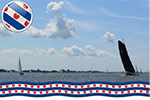
This is the perfect chart when you want to sail on the Friese Meren. The DKW Friese Meren is free to give you an experience with Stentecs navigation software and digital charts.
All inland waterways for south west Friesland are covered. Ideal when you have rented a boat, but also for skipper or crew of a sailing boat, motor boats and dinghies on the Friese meren. Even when you have a canoo or kajak or are planning a fishing trip on the Friese meren you can use this chart.
This chart is developed in cooperation with the Friese Meren Project. Thanks to accurate depth measurements by the Province Fryslân this chart contains a highly detailed depth image.
The Frisian Lakes Chart is available free of charge to allow you to become familiar with the navigation software and digital water charts.
Covering area
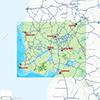
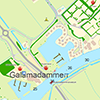
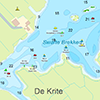
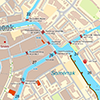
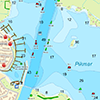
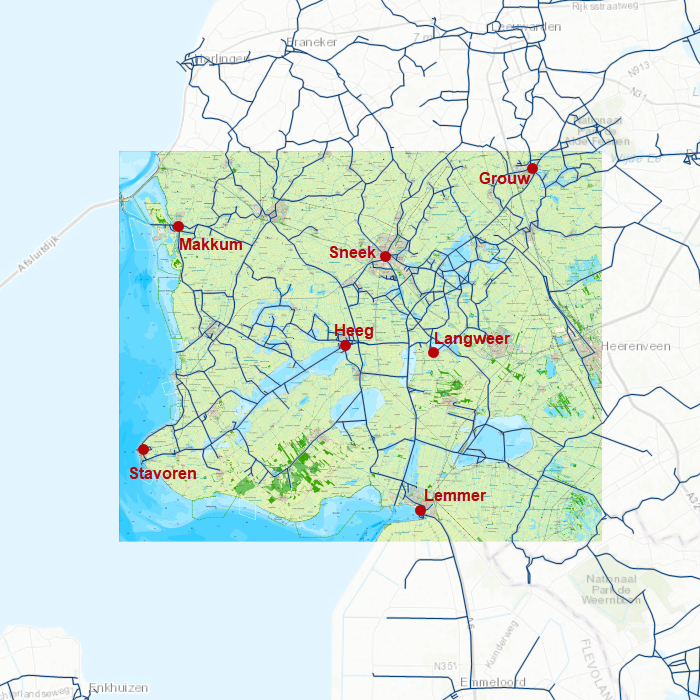
This chart covers the Friese Meren area from Stavoren and Lemmer up until Grou and Makkum. Including all lakes and waterways in between:
|
|
|
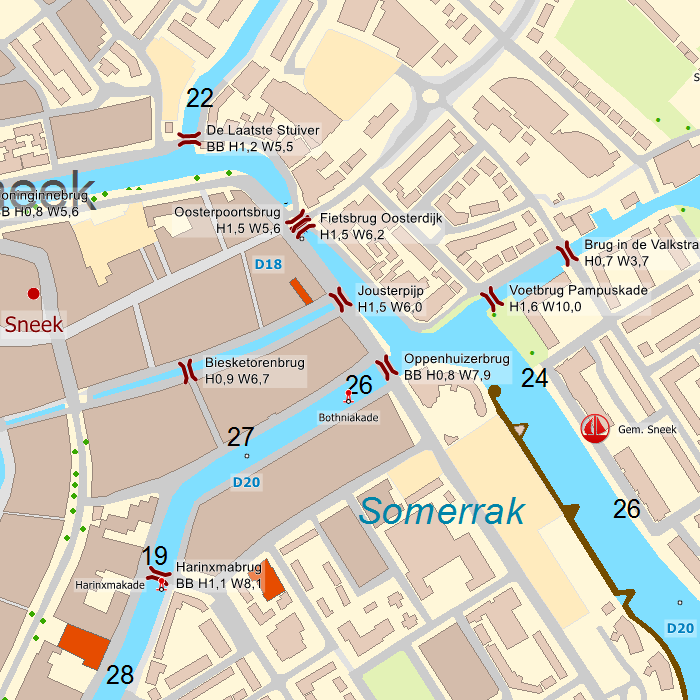
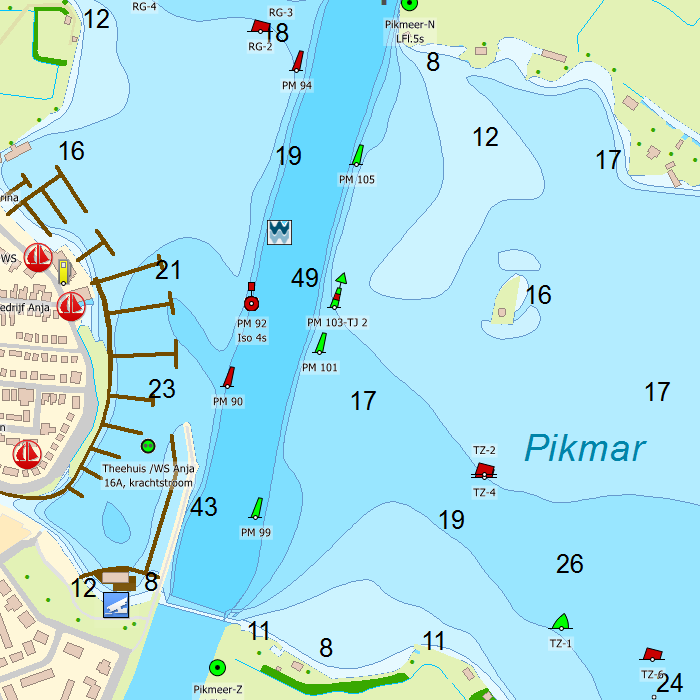
Depth image
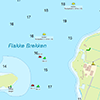
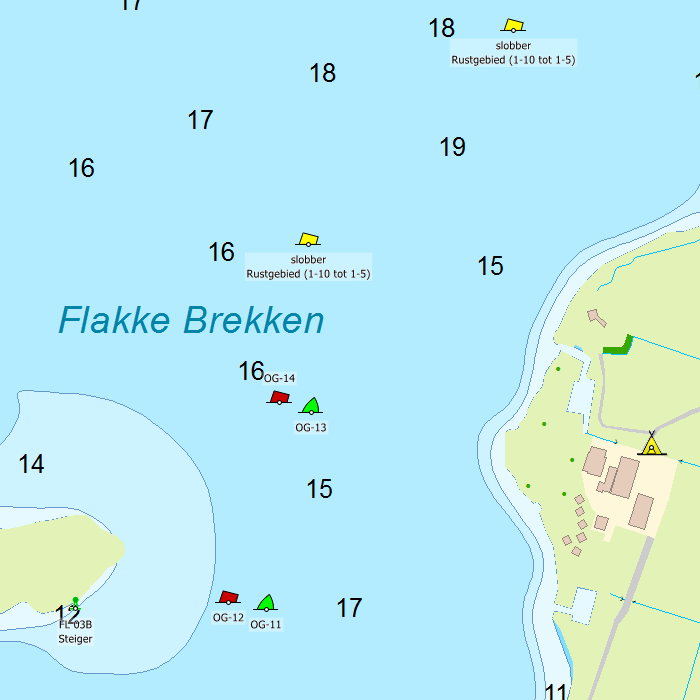
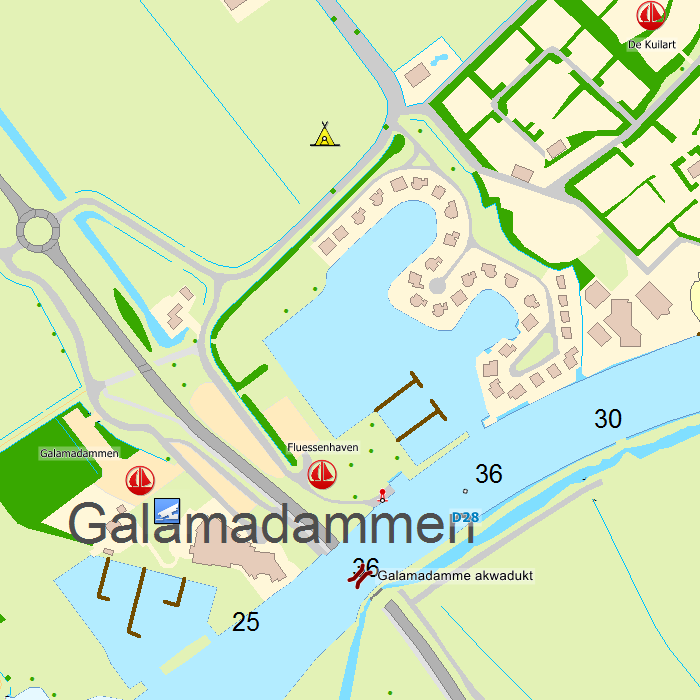
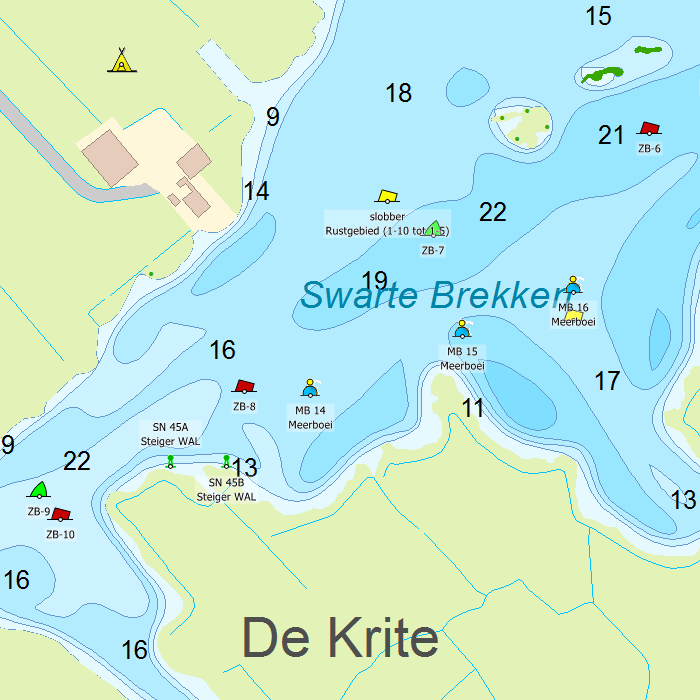
This chart set has a unique and clear depth image with distinctly colored depth surfaces on the lakes and depth numbers along the waterways. The chart is published by Stentec in collaboration with Provincie Fryslân, based on the most recent depth measurements from the Friese Meren Project. The chart has a high level of detail with 1 meter per pixel, making it possible to zoom in up until the jetties at your home port.
Chart image
Stentecs inland water charts are so-called hybrid charts. The bottom surface is a raster format. This is where a.o. the quays, depths and buildings are shown. All other navigational information is projected on top of this through waypoints. These waypoints remain the same size when zooming in or out. The chart can be fully personalized by adding or removing certain waypoint groups and showing you only the information you select.
The DKW the Frisian Lakes has waypoints, with a.o. buoys, harbours, moorings, Marrekrite moorings, diesel tank stations, watersport campsites, VHF channels, electric chargers ‘Elektrisch Varen’ and ‘Varen Doe Je Samen’ nodes.
Specifically for commercial shipping waterway signs and VIN moorings are added.
|
System Requirements: This chart can be used in WinGPS for Windows and can also be installed on the WinGPS Marine apps for Android and iOS. For accurate route planning with rotating chart and AIS you will need at least WinGPS Pro or the paid version of WinGPS Marine. Click here for more information about the WinGPS series. |
Hardware
With WinGPS you can create a full navigational centre. The software is designed to customize as you please. Will you use a tablet or laptop? Will you need to be able to read your screen outside or will you be using WinGPS inside? And, when installing additional hardware, will you do this wireless or are you stuck using wires?
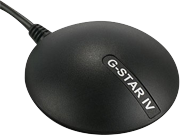
GPS receiver
When determining your position, speed and course you will need to use a GPS receiver. Most people will choose an affordable USB GPS Receiver but you could also choose a bluetooth or onboard receiver. Onboard GPS receivers are usually attached using a USB-to-serial cable.
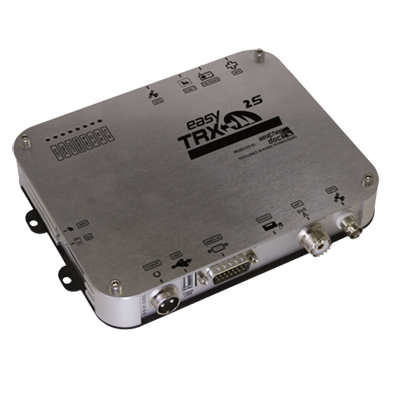
AIS transponder
See and be seen with the newest generation of AIS transponders. With the internal splitter you are able to connect the current VHF antenna without having to install a second antenna. If you have a polyester or wooden ship you can choose to use an AIS transponder with internal GPS. If you only want to receive AIS information without sending your own position, we also have multiple AIS receivers available.
If you only want to receive AIS signals we have a selection of different AIS receivers available.
AIS transponders have several options available to them; Receiver/Transmitter, VHF splitter, Internal wifi, GPS receiver etc. To make it easy for our customers, we have compiled a handy questionnaire from which the most appropriate version is offered in response to your answers.
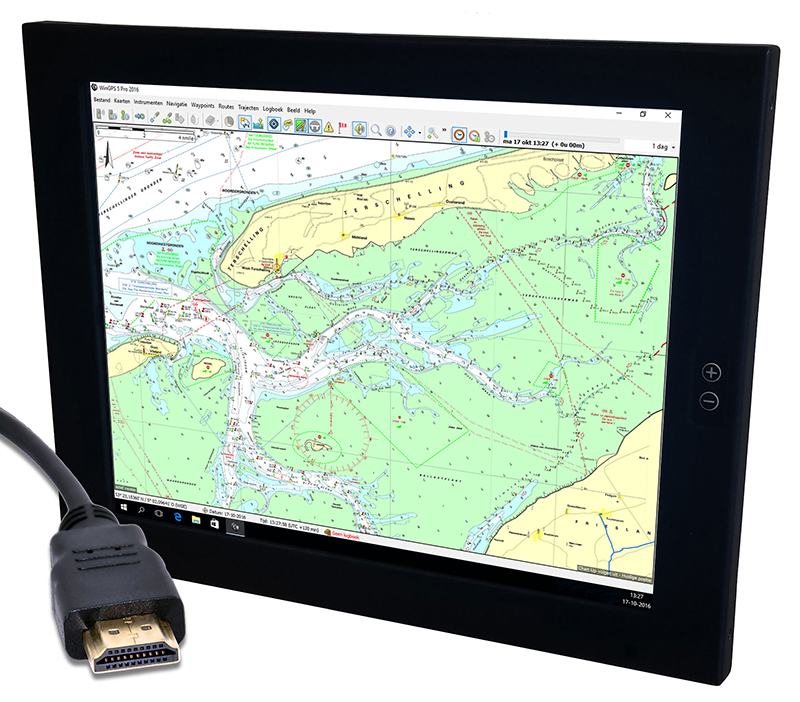
Extra monitor
Connect your laptop or onboard PC with an extra monitor for outside use. View and control WinGPS with a sunlight resistant touchscreen.
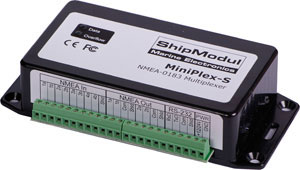
Multiplexer
Connect all of your board equipment to one device: the multiplexer. All data will be redirected from the multiplexer into WinGPS in one flow. The multiplexer can be connected using a serial or USB port, or wireless via bluetooth or wifi. Ideal when using a tablet or smartphone with WinGPS Marine.
Webshop
In our online webshop you can find a lot more peripherals than stated above, for example compasses, weather stations, fishfinders, etc. To view our entire collection use the direct link via the button below.
|
|
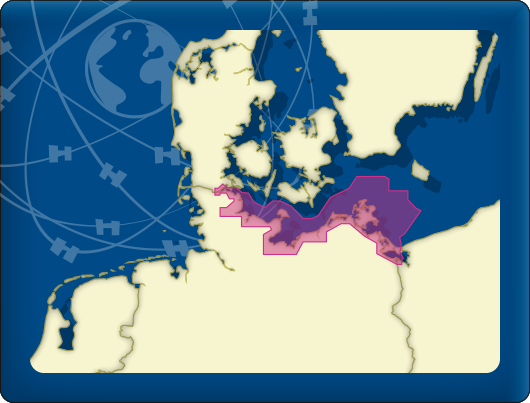
DKW DOK German Baltic coast
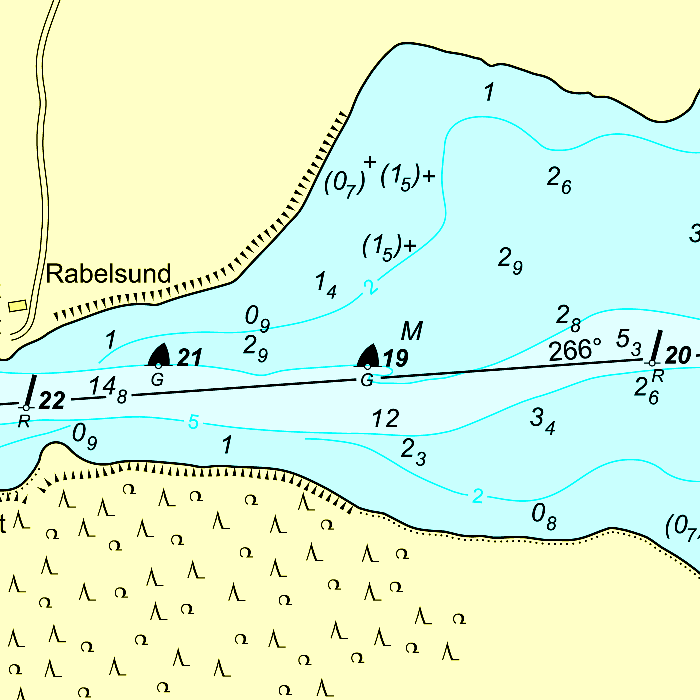
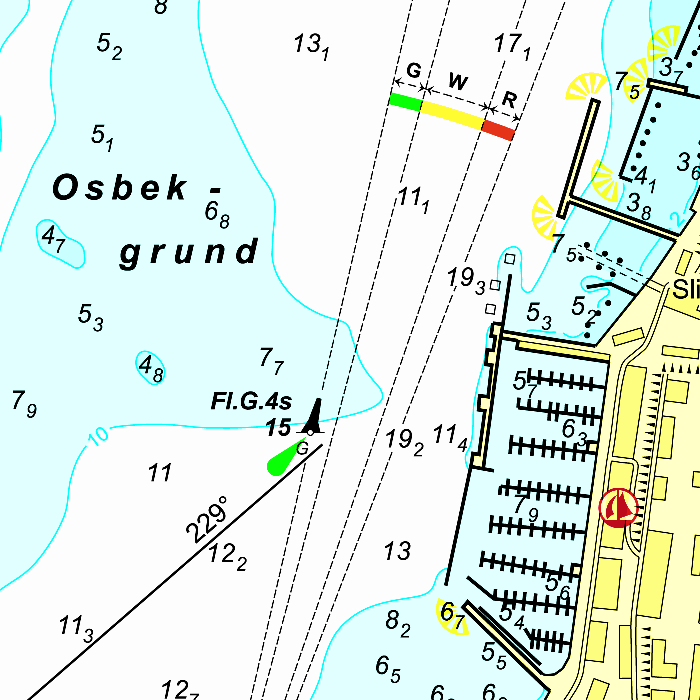
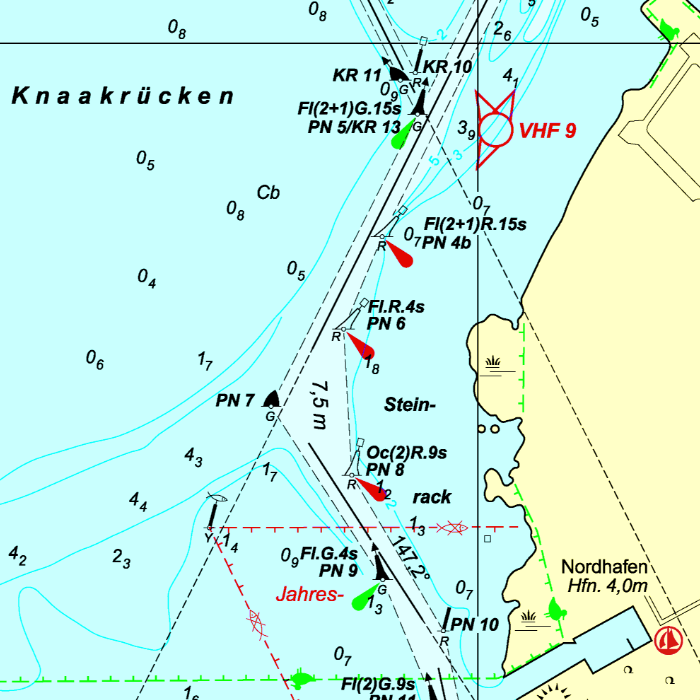
The DKW German Bight is developed for sailors, motorboaters and commercial shipping. The chart set is ideal in combination with the paid versions of WinGPS. You can easily and quickly plan routes to the Baltic sea along the German coast.
Covering area
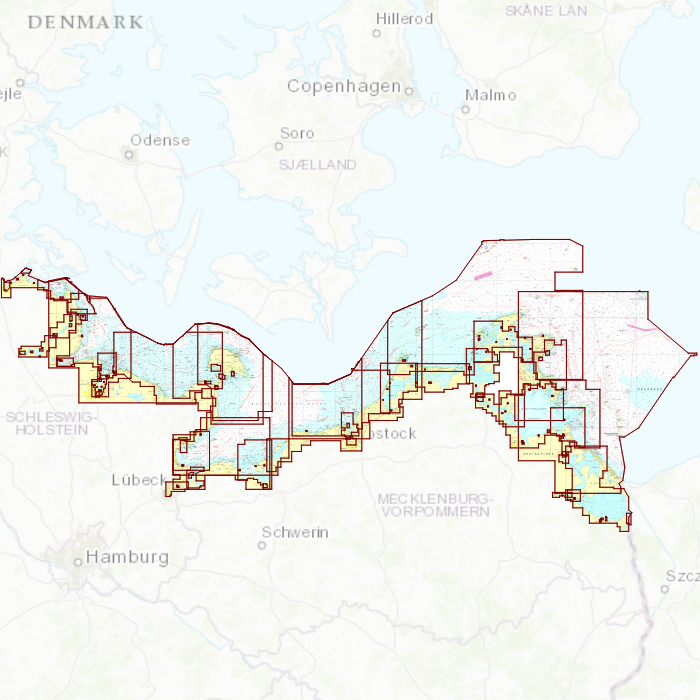
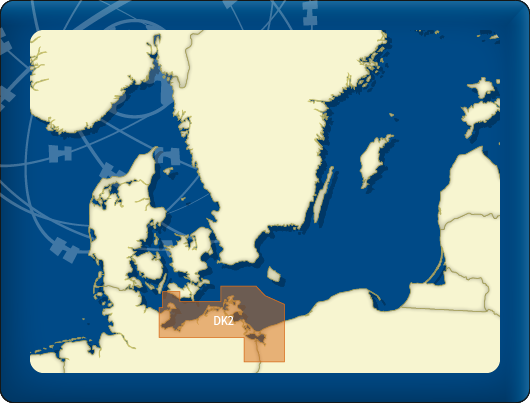
The detailed charts in this chart set cover the German Baltic coast from Flensburg to Useom, with a.o. Kiel, Rostock and Kloster. From the Eastern Danish border up until the Polish border.
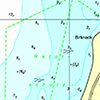
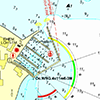
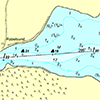
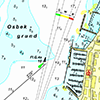
Depth image
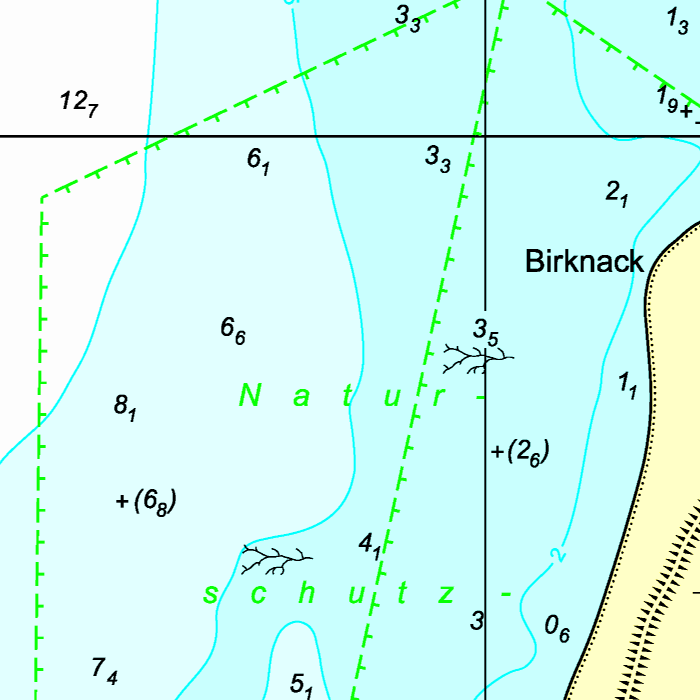
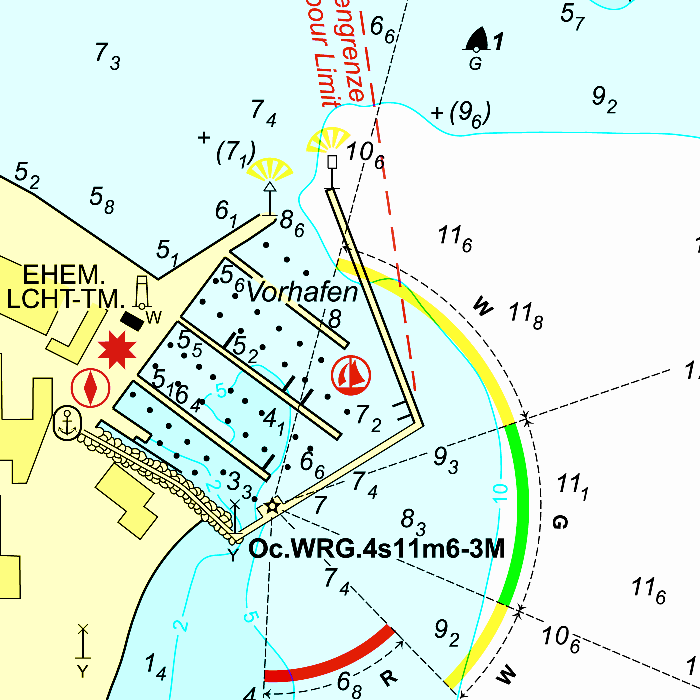
This chart set has a unique and clear depth image. The chart is published annually by Stentec, based on OpenStreetMap, IENC charts and user remarks. The chart has a high level of detail with 2 meter per pixel, making it possible to zoom in up until the jetties at your home port.
|
|
|
System Requirements: This chart can be used in the free WinGPS Lite for Windows and can also be installed on the WinGPS Marine apps for Android and iOS. For accurate route planning with rotating chart and AIS you will need at least WinGPS Pro or the paid version of WinGPS Marine. Click here for more information about the WinGPS series. |
|
|
DKW Danube 1-West
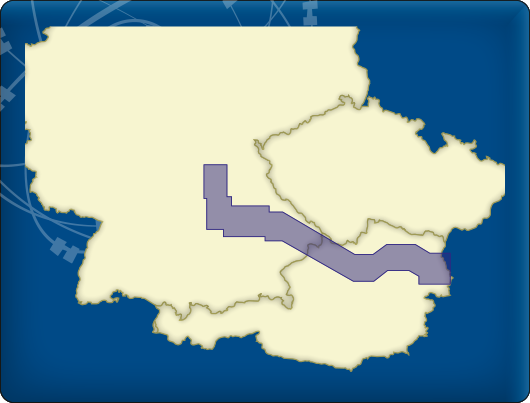
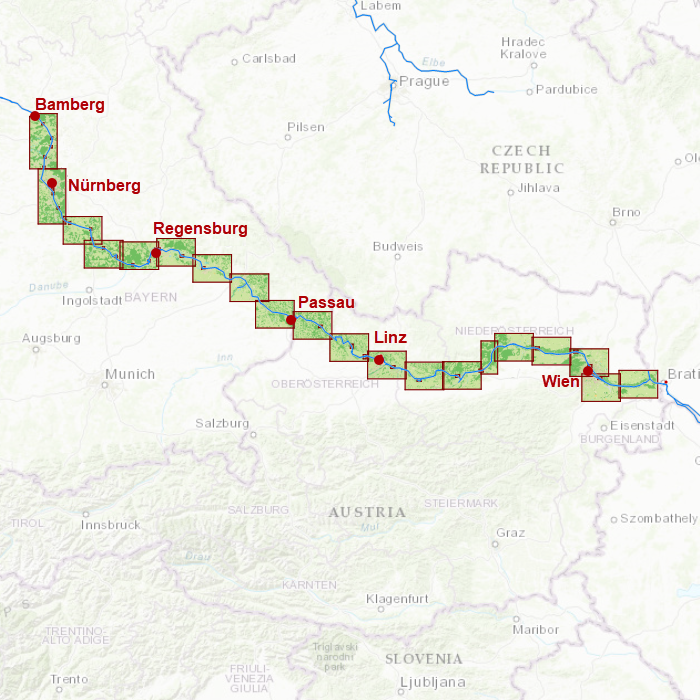
The DKW Danube 1-West is developed for sailors, motorboaters and commercial shipping. The chart gives a clear view of all the Western Danube and is ideal in combination with the paid versions of WinGPS. Using the route network you can easily and quickly plan routes on the Western Danube.
Covering area
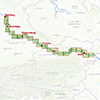
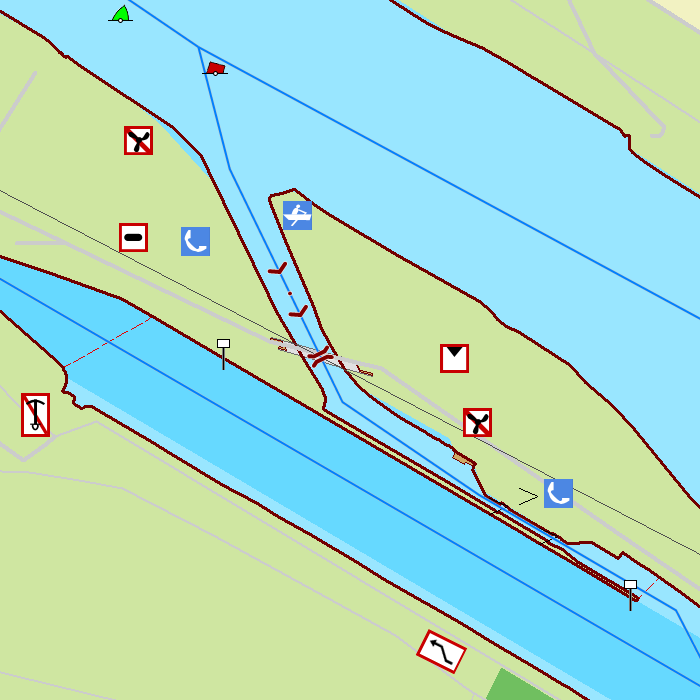
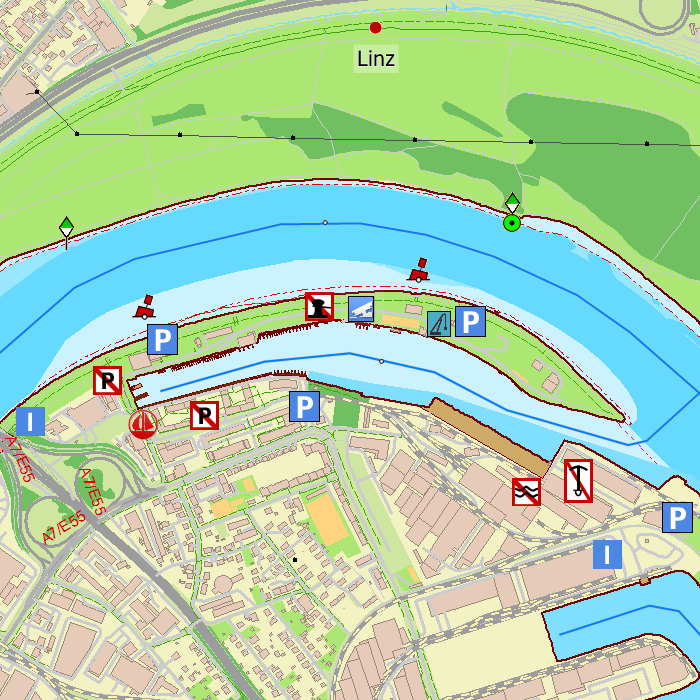
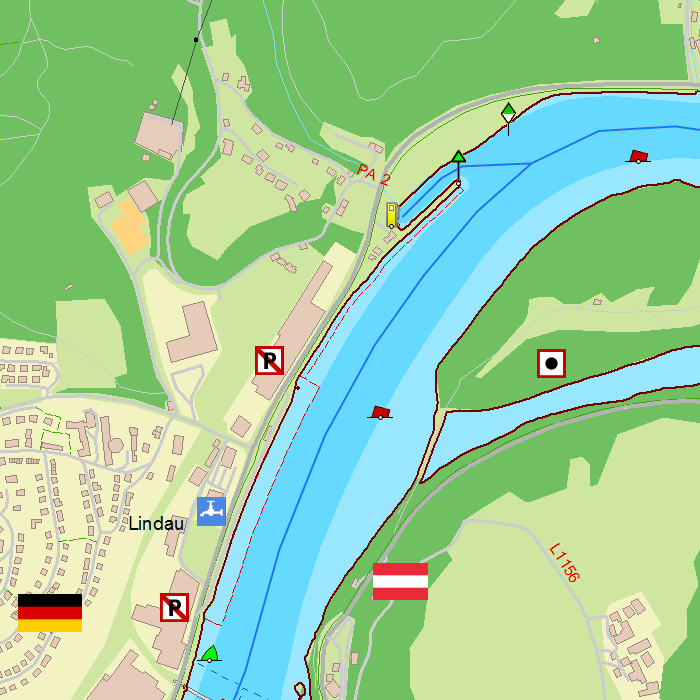
In this chart set the western Danube is covered from Bamberg, passing Nürnberg, Regensburg, Passau, Linz up until Vienna to just before Bratislava, including a.o.
- Main-Donau Kanal
- Danube, including sailable tributaries from Kelheim past Vienna (km 1873-2414)

Depth image
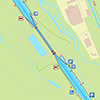
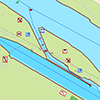
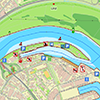
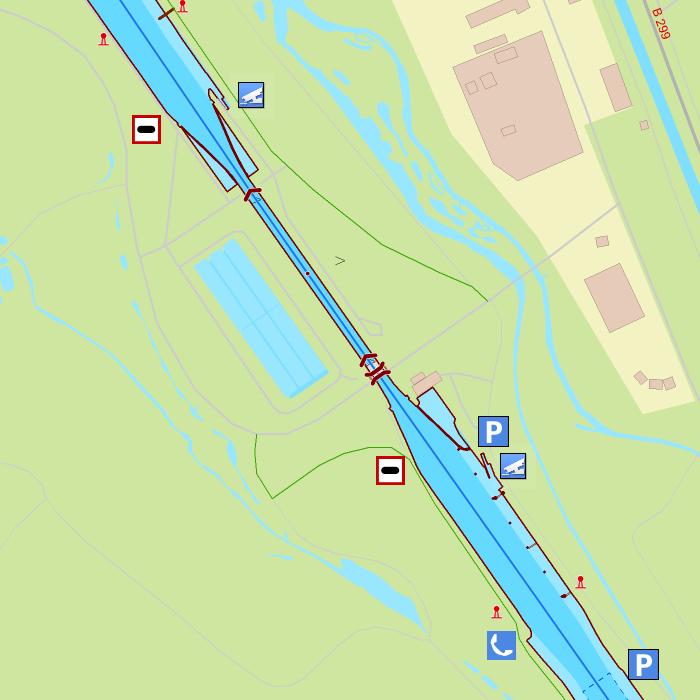
This chart set has a unique and clear depth image. The chart is published annually by Stentec, based on OpenStreetMap, IENC charts and user remarks. The chart has a high level of detail with 2 meter per pixel, making it possible to zoom in up until the jetties at your home port.
Chart image
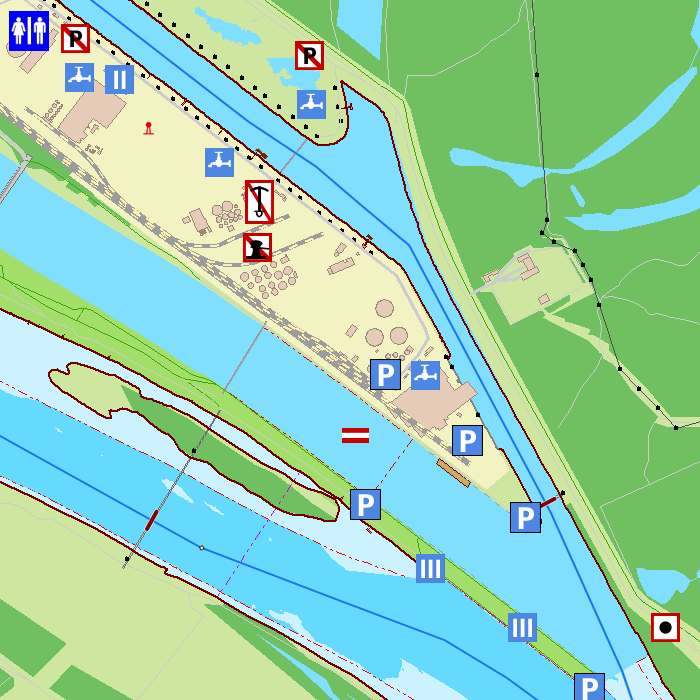
Stentecs inland water charts are so-called hybrid charts. The bottom surface is a raster format. This is where a.o. the quays, depths and buildings are shown. All other navigational information is projected on top of this through waypoints. These waypoints remain the same size when zooming in or out. The chart can be fully personalized by adding or removing certain waypoint groups and showing you only the information you select.
The DKW Danube 1-West has waypoints, with a.o. buoys, harbours, moorings, diesel tank stations, watersport campsites and VHF channels.
Specifically for commercial shipping waterway signs and VIN moorings are added.
|
|
|
System Requirements: This chart can be used in WinGPS for Windows and can also be installed on the WinGPS Marine apps for Android and iOS. For accurate route planning with rotating chart and AIS you will need at least WinGPS Pro or the paid version of WinGPS Marine. Click here for more information about the WinGPS series. |
|
|
DKW Northeast Germany
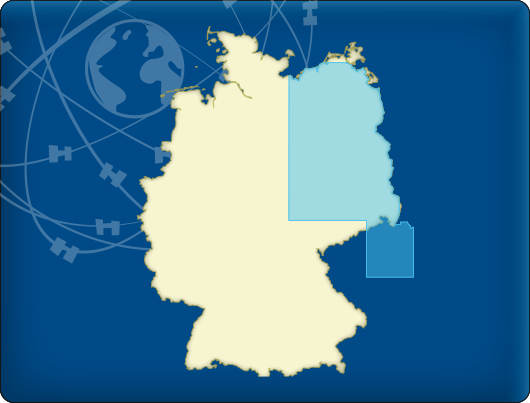
The DKW Northeast Germany is developed for sailors, motorboaters and commercial shipping. The chart gives a clear view of all Northeastern German water ways and is ideal in combination with the paid versions of WinGPS. Using the route network you can easily and quickly plan routes on the inland waterways of Northeast Germany.
Covering area
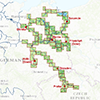
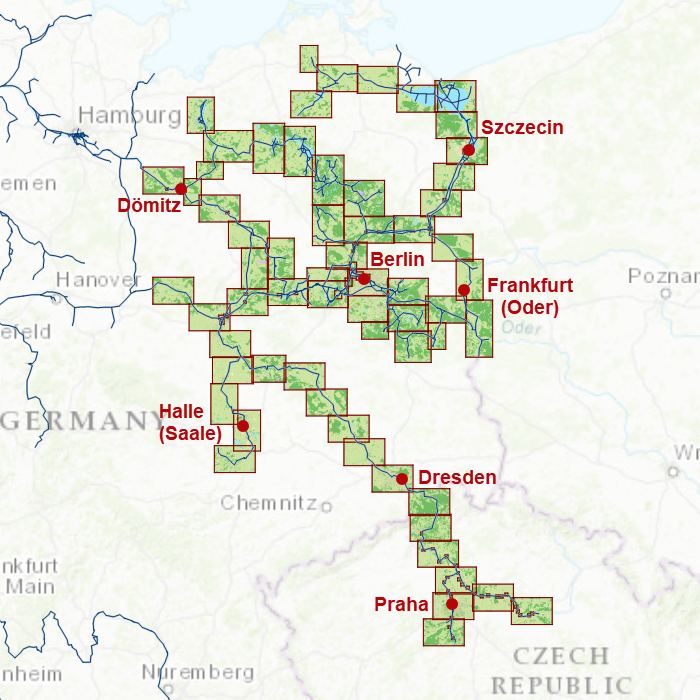
In this chart set all large Northeastern German waterways are covered, Berlin included. The covering area is from the Baltic coast up until Prague, including a.o.
- The Moldau
- The Saale
- The Peene
- The Havel and adjourning waters
- The Müritz and adjourning waters
- The Spree and adjourning waters
- The Elbe from Chvaletice in the Czech Republic past Dömitz (km 550)
- The Oder and the Westoder from Eisenhüttenstadt (km 540) up until the Baltic Coast.

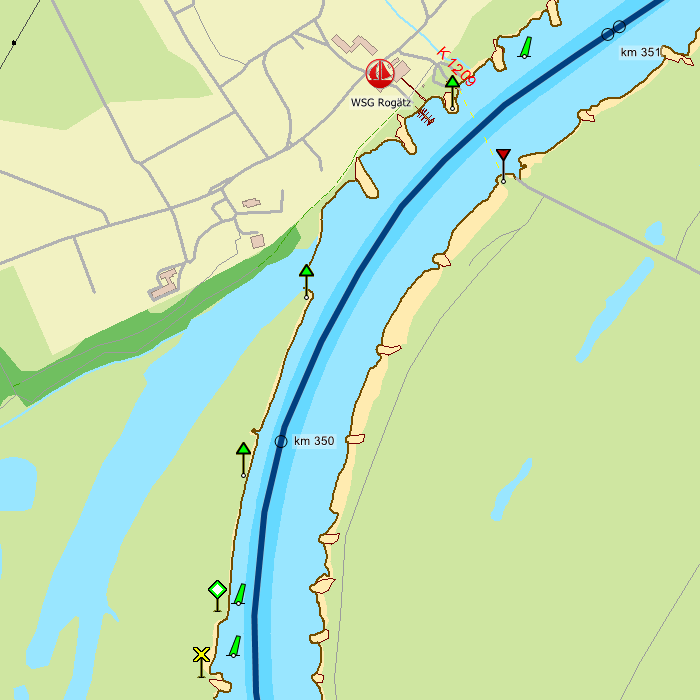
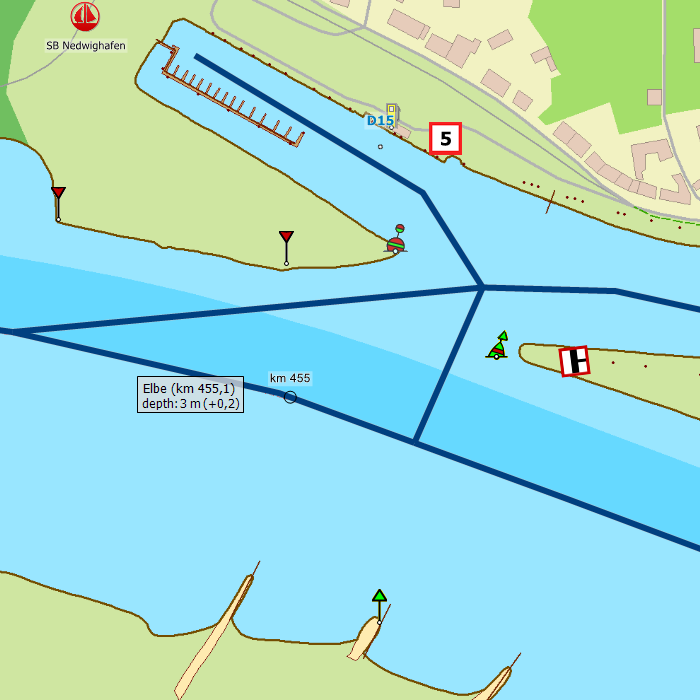
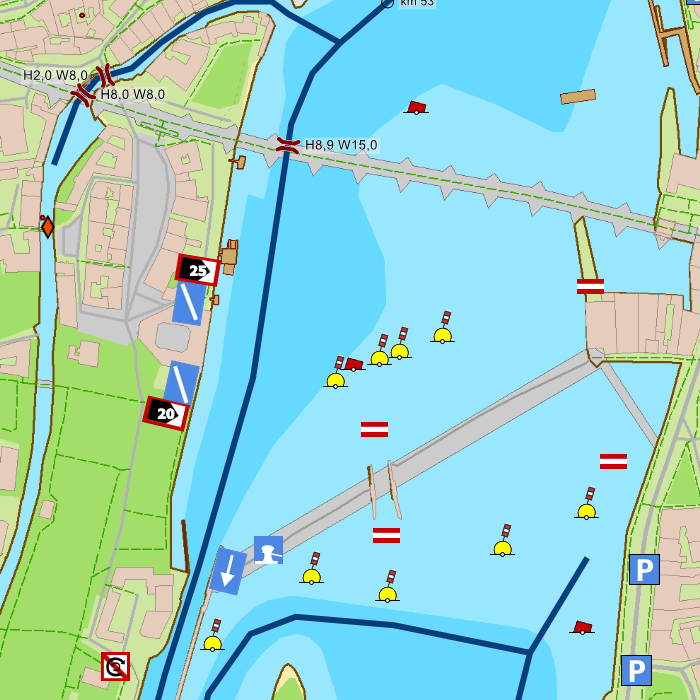
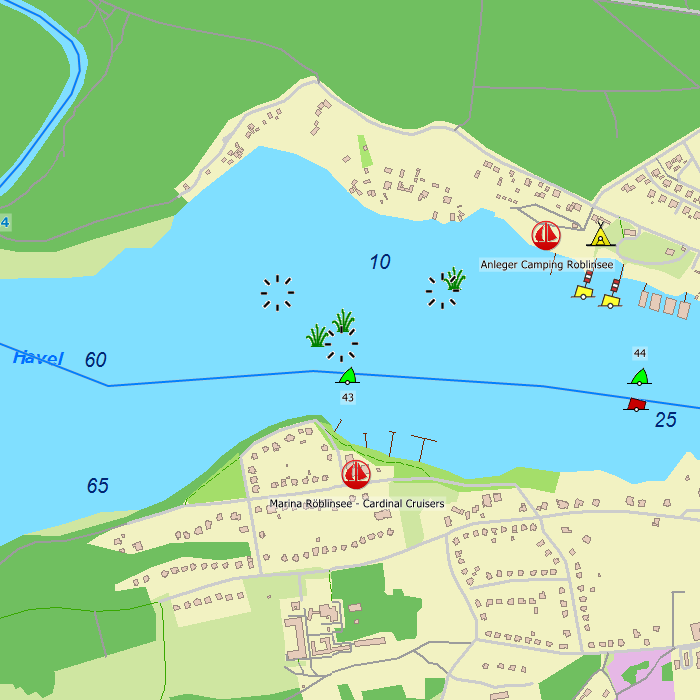
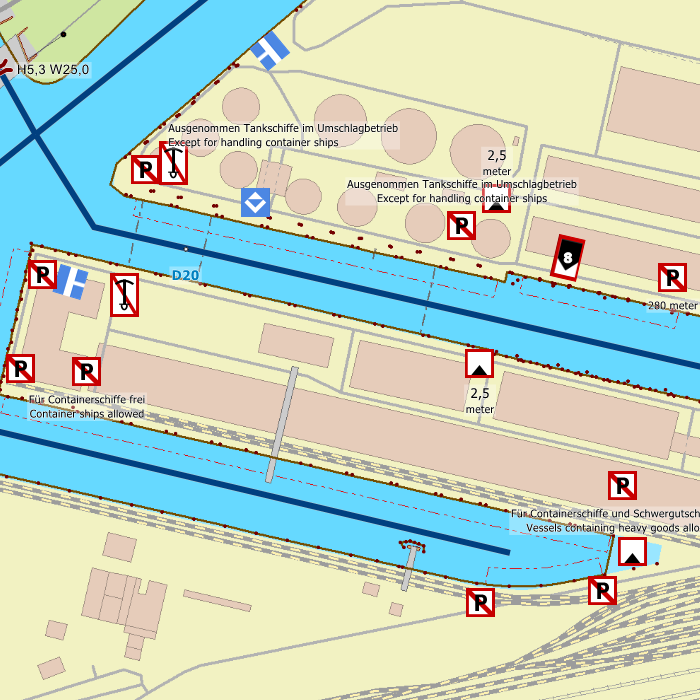
Depth image
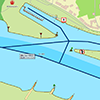
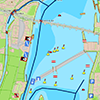
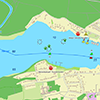
This chart set has a unique and clear depth image. The chart is published annually by Stentec, based on OpenStreetMap, IENC charts and user remarks. The chart has a high level of detail with 2 meter per pixel, making it possible to zoom in up until the jetties at your home port.
Chart image
Stentecs inland water charts are so-called hybrid charts. The bottom surface is a raster format. This is where a.o. the quays, depths and buildings are shown. All other navigational information is projected on top of this through waypoints. These waypoints remain the same size when zooming in or out. The chart can be fully personalized by adding or removing certain waypoint groups and showing you only the information you select.
The DKW Northeast Germany has waypoints, with a.o. buoys, harbours, moorings, diesel tank stations, watersport campsites and VHF channels.
Specifically for commercial shipping waterway signs and VIN moorings are added.
|
|
|
System Requirements: This chart can be used in WinGPS for Windows and can also be installed on the WinGPS Marine apps for Android and iOS. For accurate route planning with rotating chart and AIS you will need at least WinGPS Pro or the paid version of WinGPS Marine. Click here for more information about the WinGPS series. |
|
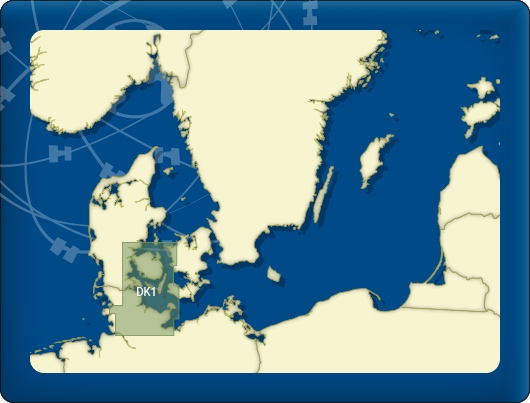
DKW DK1 Kieler Bocht |
DKW DK2 |
DKW German |
|
|

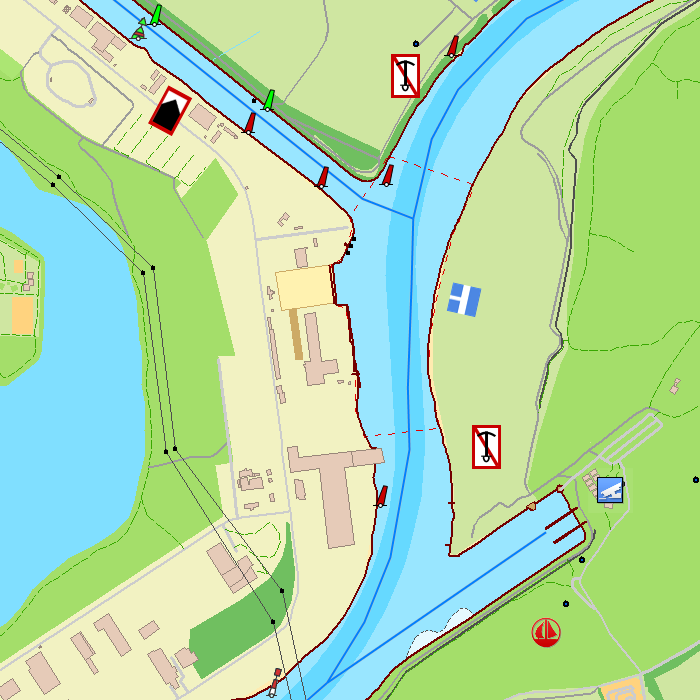
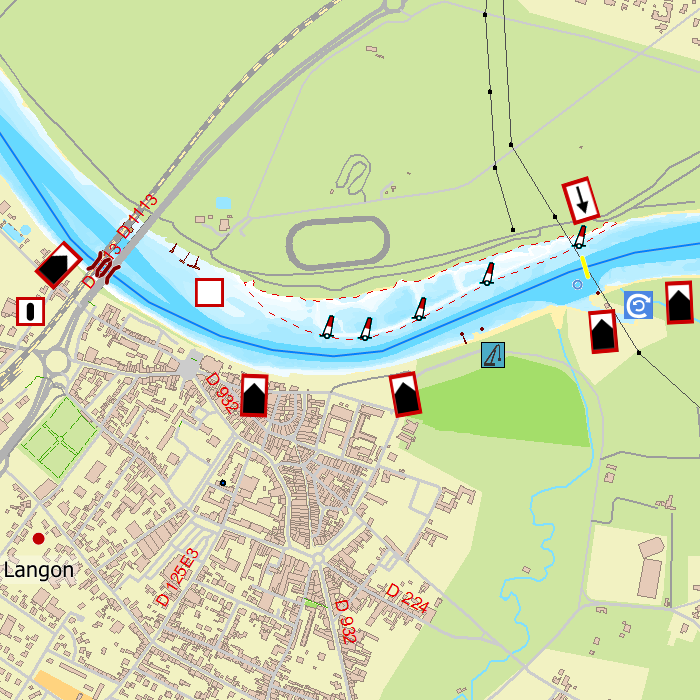
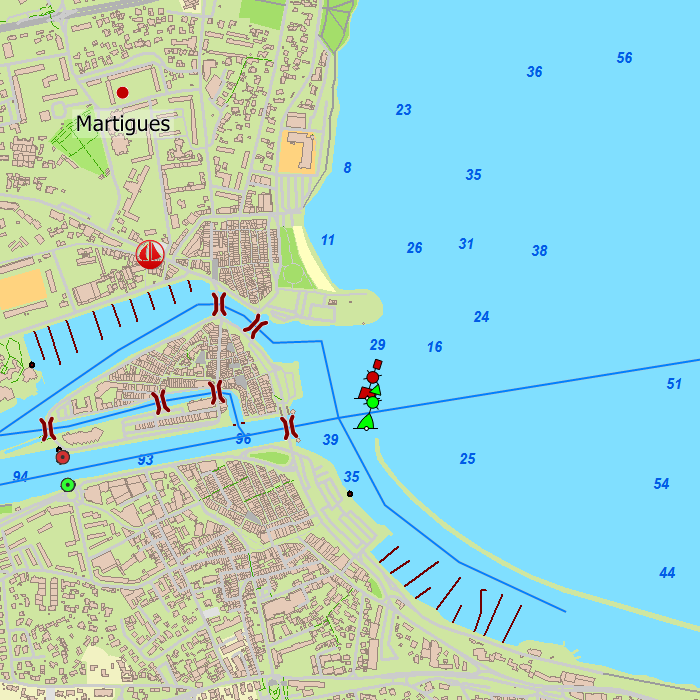
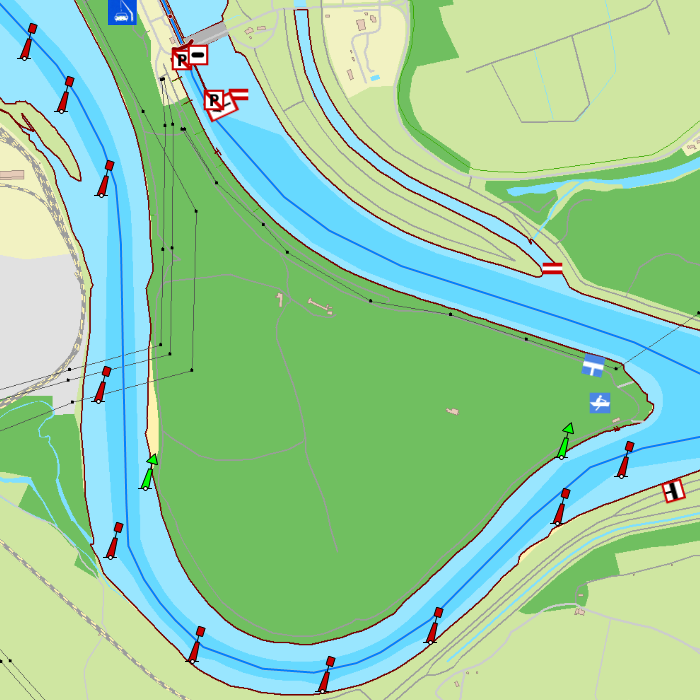
DKW Southern France
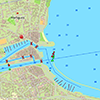
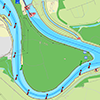
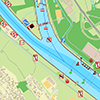
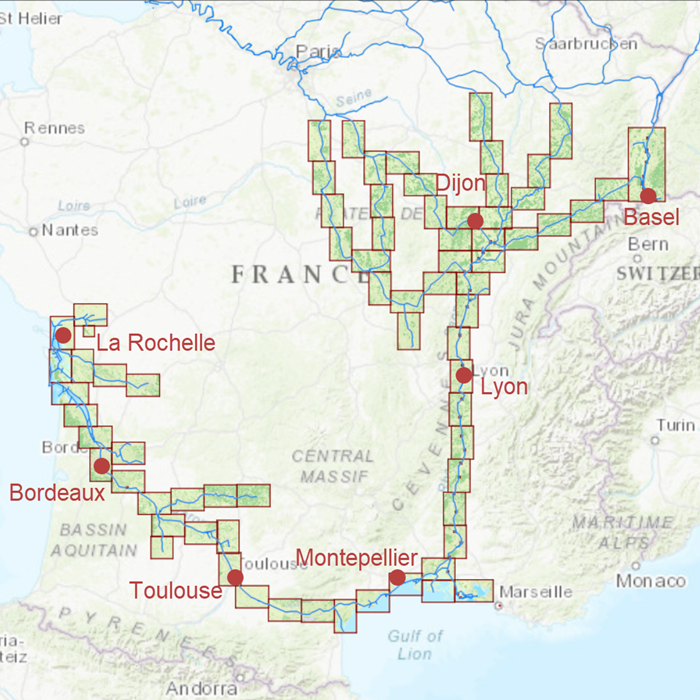
The DKW Southern France is developed for sailors, motorboaters and commercial shipping. The chart gives a clear view of all Southern French water ways and is ideal in combination with the paid versions of WinGPS. Using the route network you can easily and quickly plan routes on the inland waterways of Southern France.
Covering area
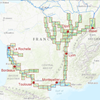
In this chart set all large Southern French waterways are covered. The covering area is from below Paris up until the Mediterranean and Atlantic coast, including a.o.
|
|
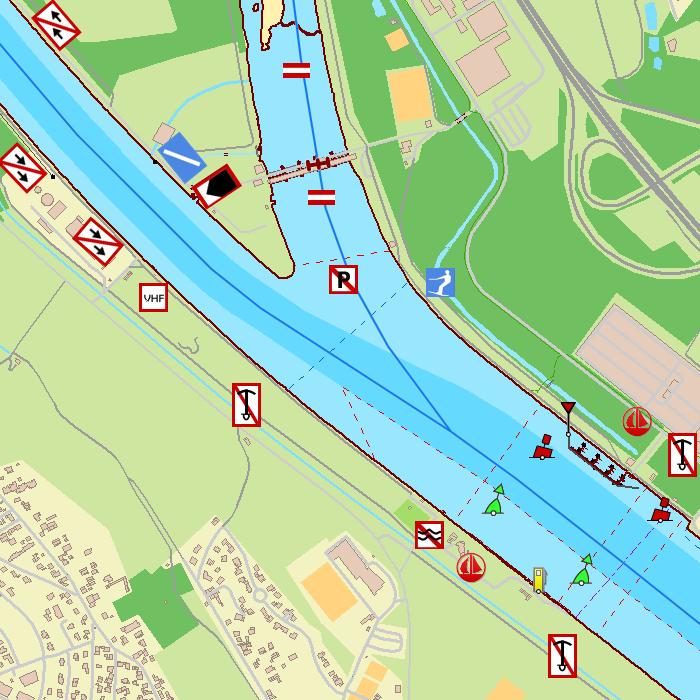
Depth image
This chart set has a unique and clear depth image. The chart is published annually by Stentec, based on OpenStreetMap, IENC charts and user remarks. The chart has a high level of detail with 2 meter per pixel, making it possible to zoom in up until the jetties at your home port.
Chart image
Stentecs inland water charts are so-called hybrid charts. The bottom surface is a raster format. This is where a.o. the quays, depths and buildings are shown. All other navigational information is projected on top of this through waypoints. These waypoints remain the same size when zooming in or out. The chart can be fully personalized by adding or removing certain waypoint groups and showing you only the information you select.
The DKW Southern France has waypoints, with a.o. buoys, harbours, moorings, diesel tank stations, watersport campsites and VHF channels.
Specifically for commercial shipping waterway signs and VIN moorings are added.
|
|
|
System Requirements: This chart can be used in WinGPS for Windows and can also be installed on the WinGPS Marine apps for Android and iOS. For accurate route planning with rotating chart and AIS you will need at least WinGPS Pro or the paid version of WinGPS Marine. Click here for more information about the WinGPS series. |
|
DKW ID40 |
DKW ID50 |
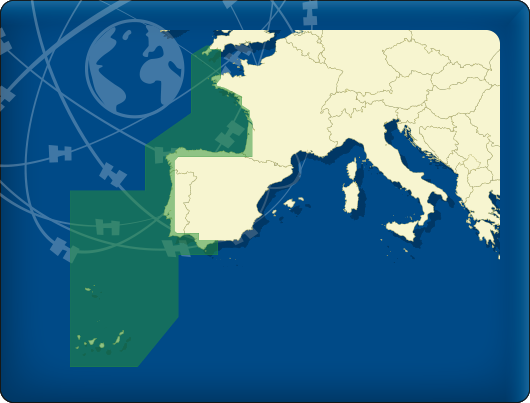
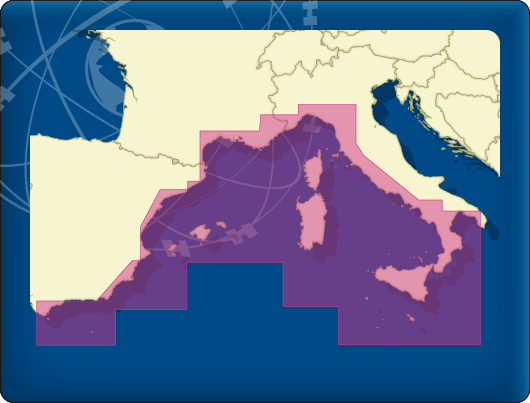
|
|
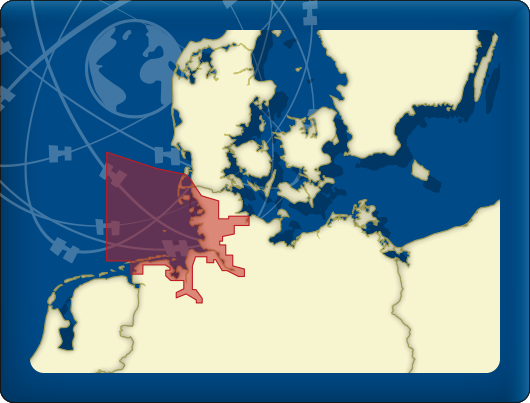
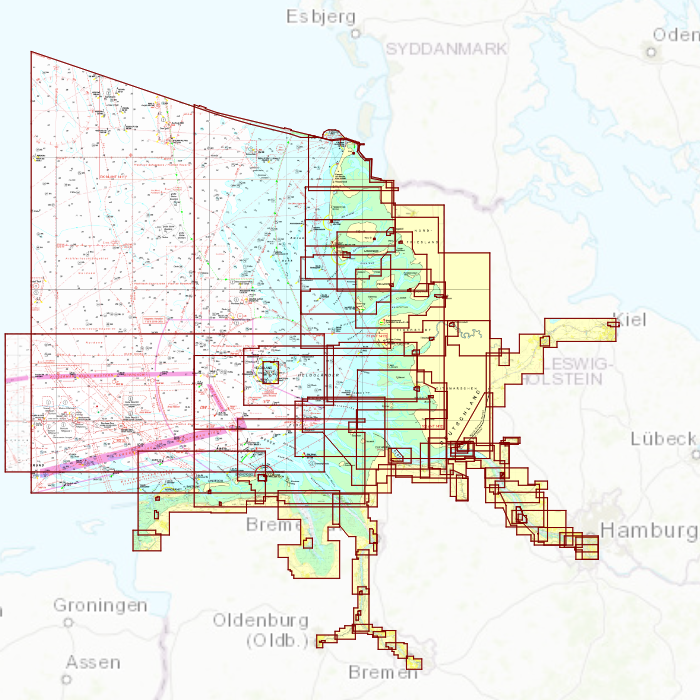
DKW DB German Bight
The DKW German Bight is developed for sailors, motorboaters and commercial shipping. The chart set is ideal in combination with the paid versions of WinGPS. You can easily and quickly plan routes along the German Bight and to the Baltic Sea.
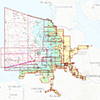
Covering area
The detailed charts in this chart set cover the German coast from Just to Kiel, Hamburg, Helgoland to the Danish border.
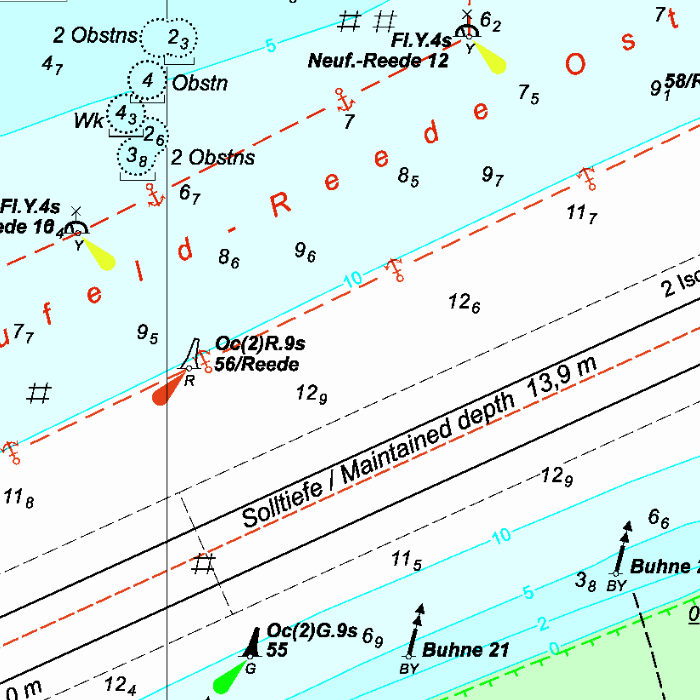
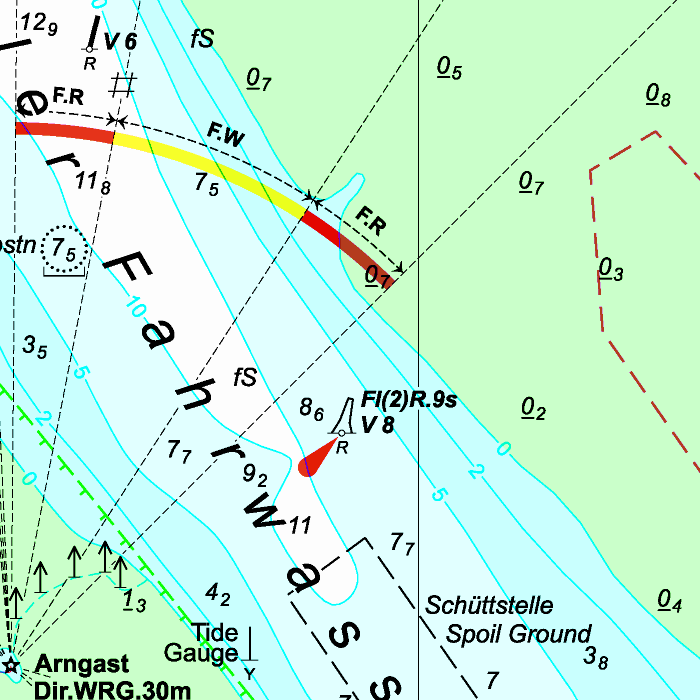
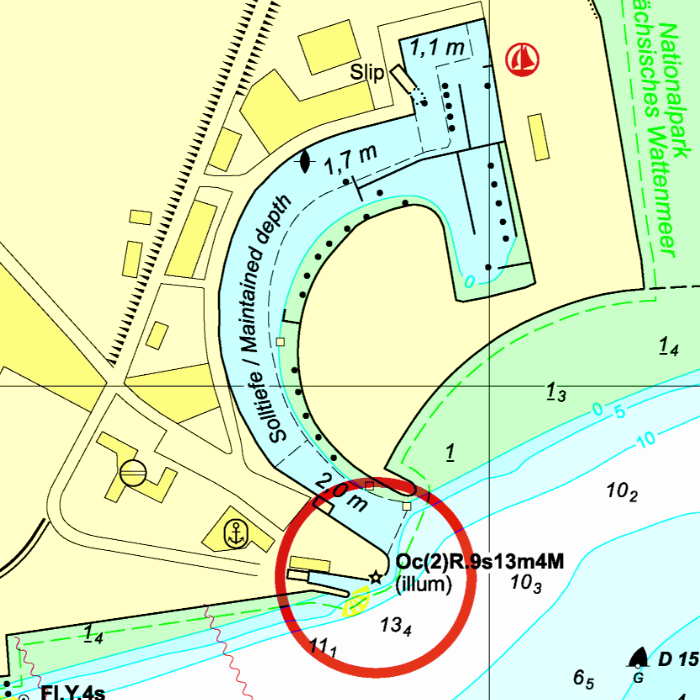
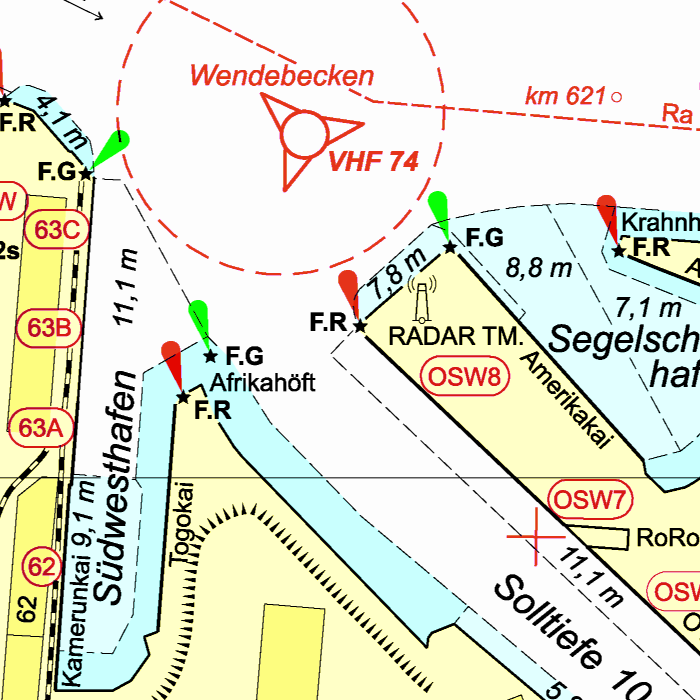
Depth image
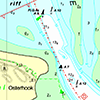
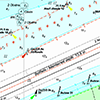
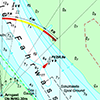
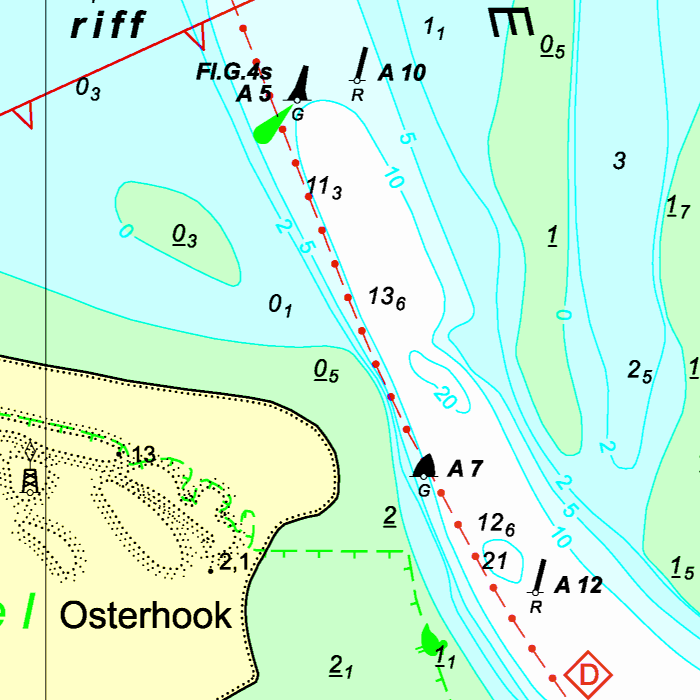
This chart set has a unique and clear depth image. The chart is published annually by Stentec, based on OpenStreetMap, IENC charts and user remarks. The chart has a high level of detail with 2 meter per pixel, making it possible to zoom in up until the jetties at your home port.
|
|
|
System Requirements: This chart can be used in the free WinGPS Lite for Windows and can also be installed on the WinGPS Marine apps for Android and iOS. For accurate route planning with rotating chart and AIS you will need at least WinGPS Pro or the paid version of WinGPS Marine. Click here for more information about the WinGPS series. |
|
|
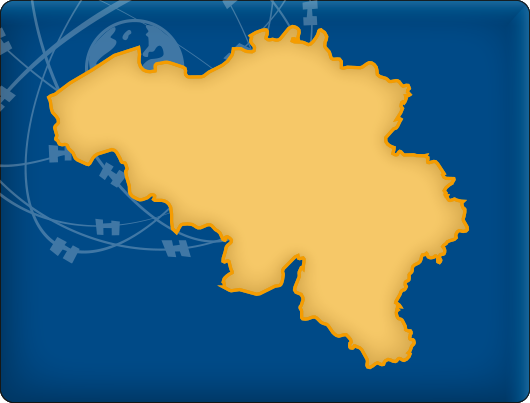
DKW Belgium
The DKW Belgium is developed for sailors, motorboaters and commercial shipping. The chart gives a clear view of all Belgian water ways and is ideal in combination with the paid versions of WinGPS. Using the route network you can easily and quickly plan routes on the inland waterways of Belgium.
Covering area
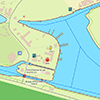
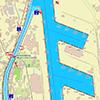
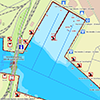
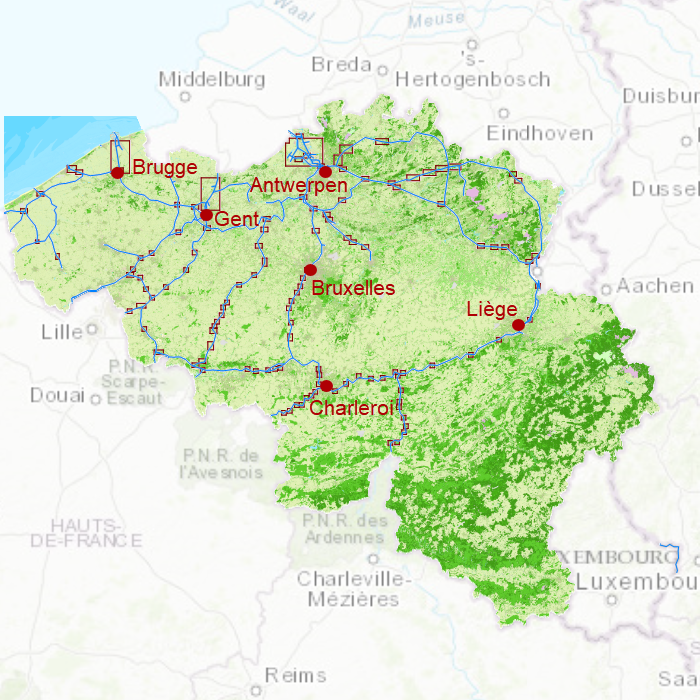
In this chart set all large Belgian waterways are covered. Including the Maas, IJzer, Bovenschelde, Charleroi-Brussel Channel, Dender and the Gent-Brugge Channel.
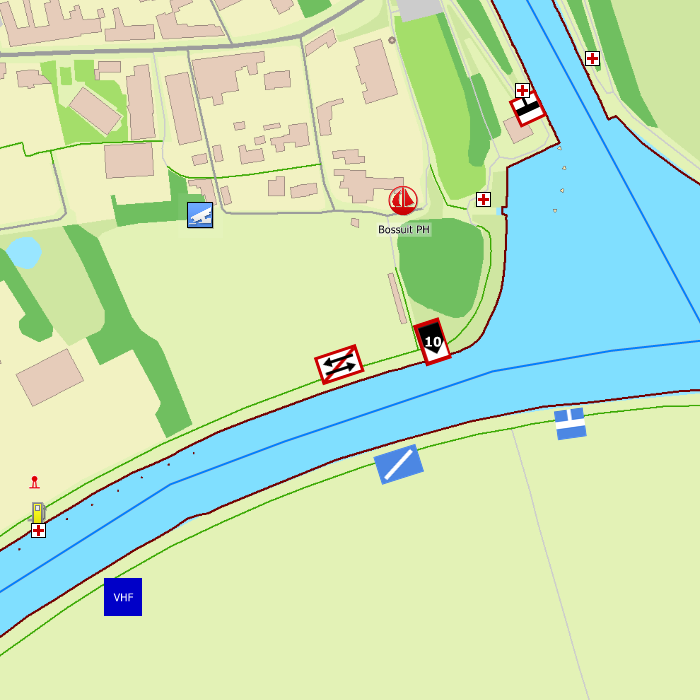
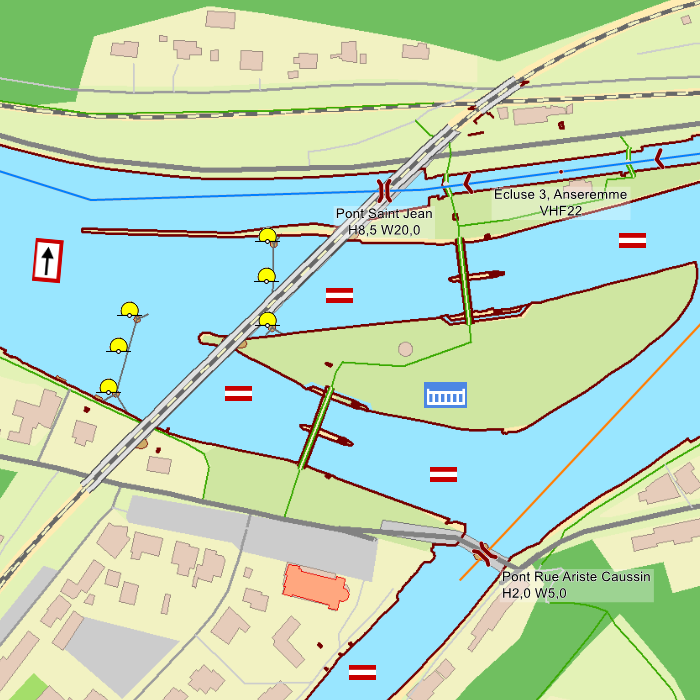
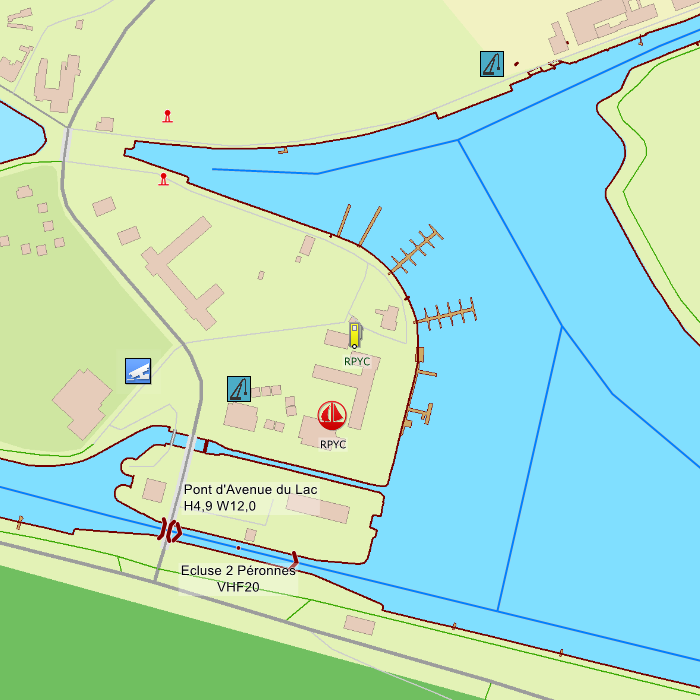
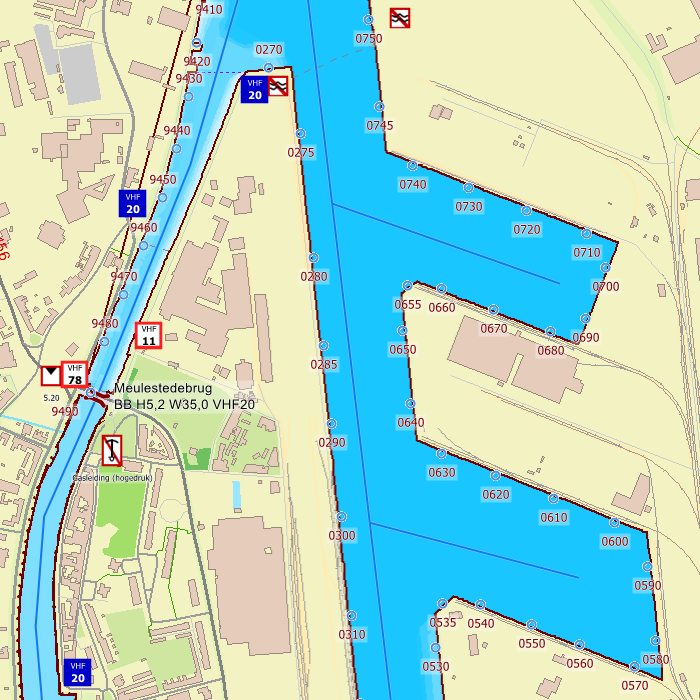
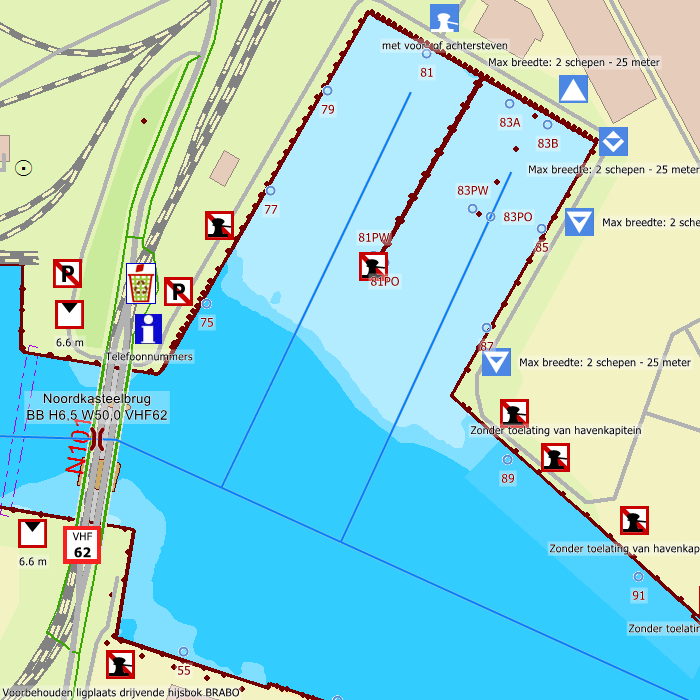
Depth image
This chart set has a unique and clear depth image. The chart is published annually by Stentec, based on OpenStreetMap, IENC charts and user remarks. The chart has a high level of detail with 1 meter per pixel, making it possible to zoom in up until the jetties at your home port.
Chart image
Stentecs inland water charts are so-called hybrid charts. The bottom surface is a raster format. This is where a.o. the quays, depths and buildings are shown. All other navigational information is projected on top of this through waypoints. These waypoints remain the same size when zooming in or out. The chart can be fully personalized by adding or removing certain waypoint groups and showing you only the information you select.
The DKW Belgium has waypoints, with a.o. buoys, harbours, moorings, diesel tank stations, watersport campsites, shore power connections and VHF channels.
Specifically for commercial shipping waterway signs and VIN moorings are added.
|
|
|
System Requirements: This chart can be used in WinGPS for Windows and can also be installed on the WinGPS Marine apps for Android and iOS. For accurate route planning with rotating chart and AIS you will need at least WinGPS Pro or the paid version of WinGPS Marine. Click here for more information about the WinGPS series. |
|
DKW 1600+ |
DKW UK1 |
DKWID20 |
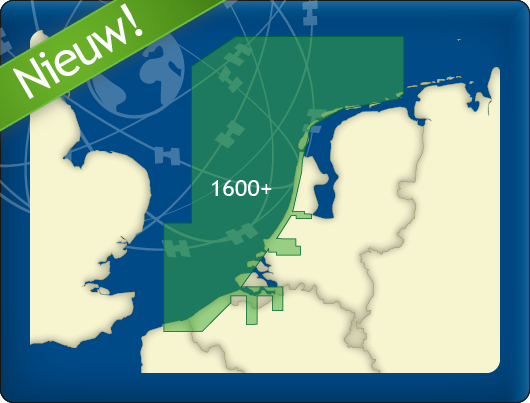
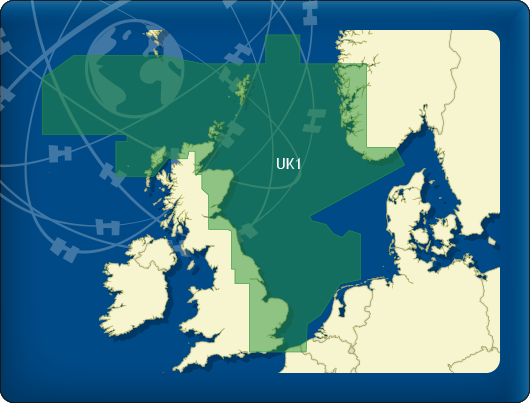
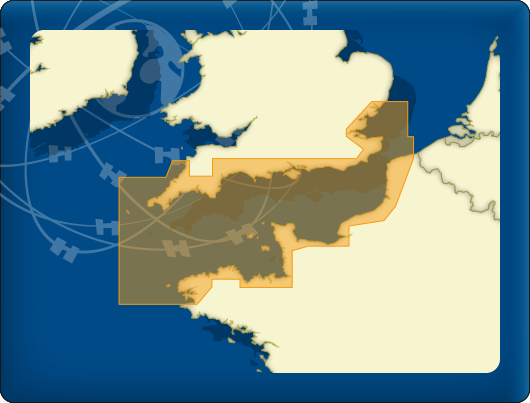

|
DKW Delius Klasing series
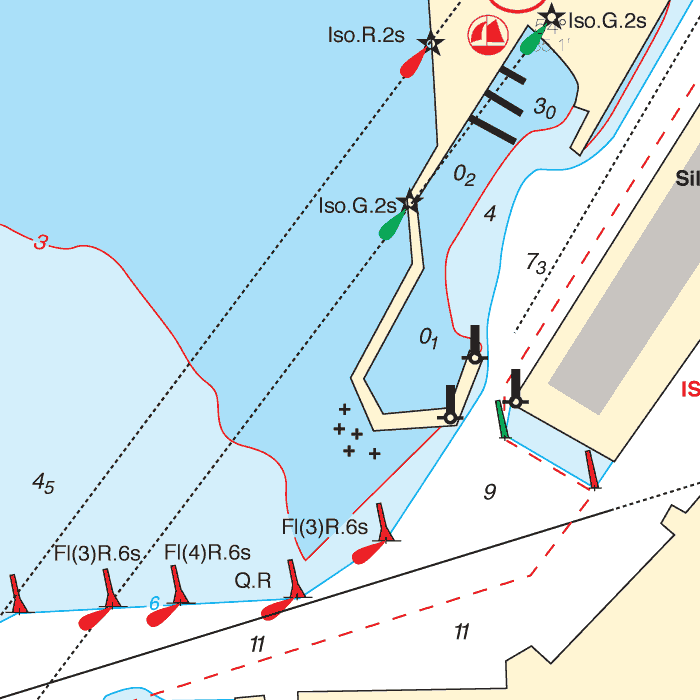
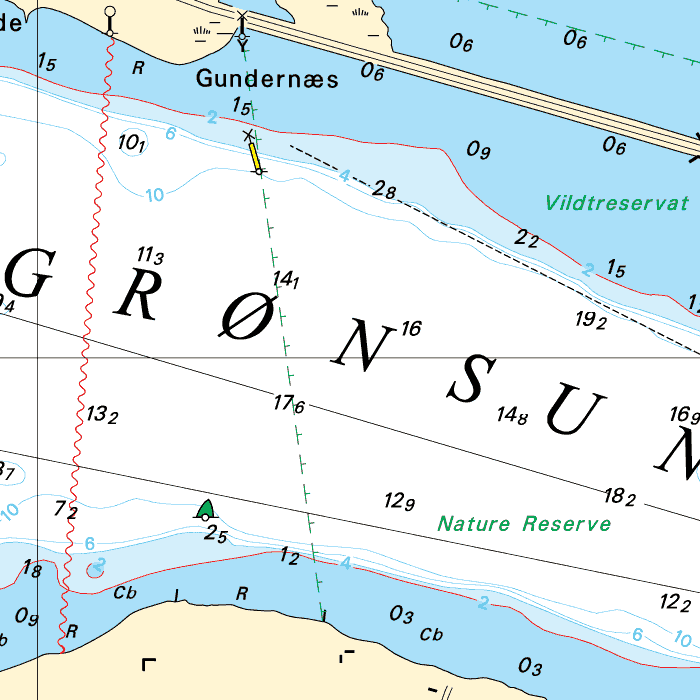
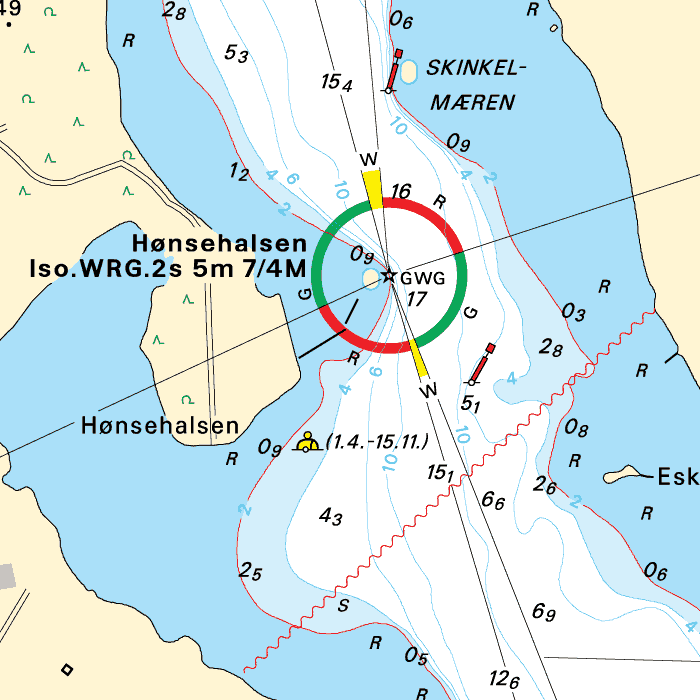
Since 2014, Stentec Software has been publishing the well-known Delius Klasing charts digitally. These are based on the paper charts of Delius Klasing and have a nice, clear chart image.
Now, 10 years later in 2024, our cooperation has been strengthened and the digital versions of Delius Klasing's paper charts can be downloaded exclusively via Stentec.
Chart coverage
|
The clear water charts from Delius Klasing are available as digital and paper charts. |
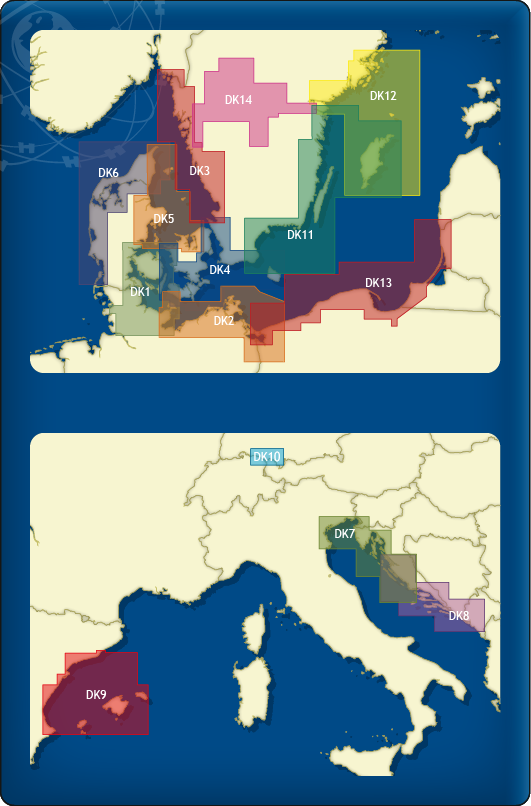
The following sets are available in the DKW Delius Klasing series:
- DKW DK1 Kieler Bight & Fühnen
- DKW DK2 Mecklenburg-Vorpommern
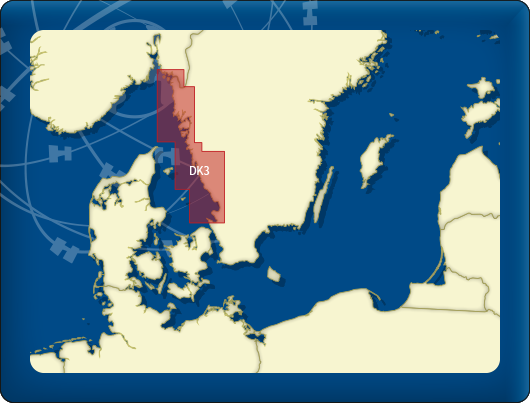
- DKW DK3 Swedish Westcoast
- DKW DK4 Great Belt to Bornholm
- DKW DK5 Kattegat
- DKW DK6 Limfjord - Skagerrak - Danish Northsea coast
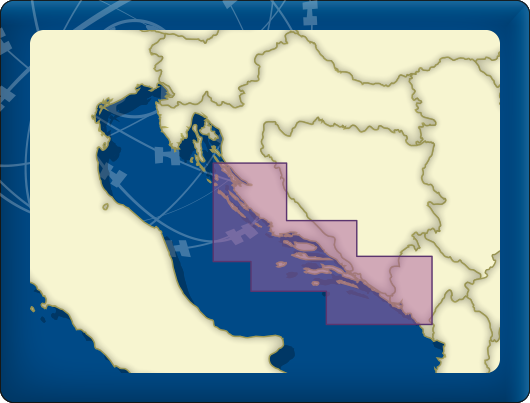
- DKW DK7 Venice - Rijeka - Šibenik - Drvenik V.
- DKW DK8 Žirje - Split - Dubrovnik - Bar
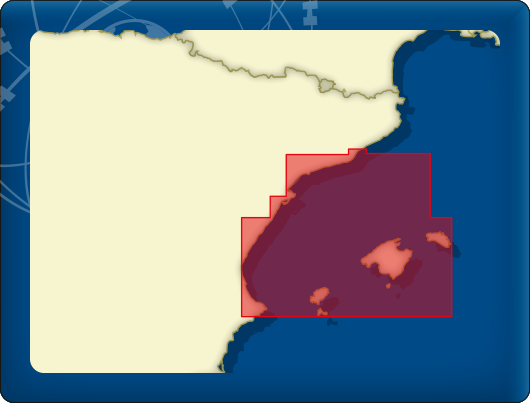
- DKW DK9 Balearic Islands
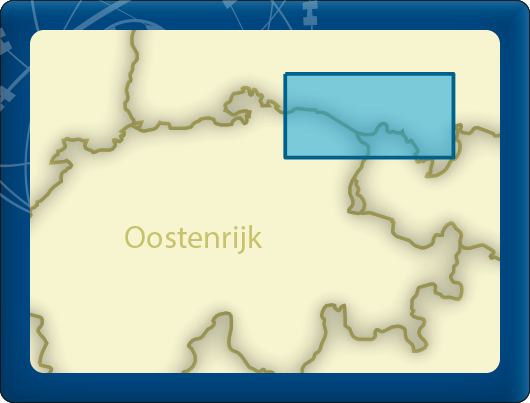
- DKW DK10 Bodensea
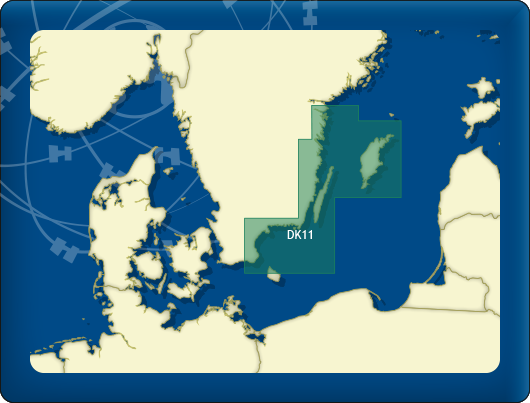
- DKW DK11 Swedish Eastcoast 1
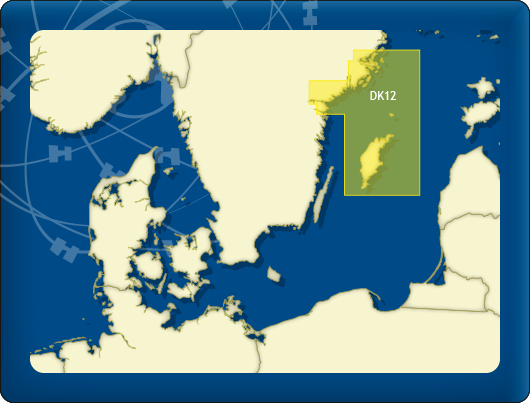
- DKW DK12 Swedish Eastcoast 2
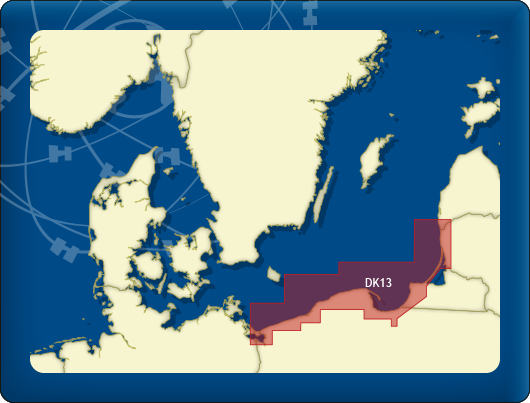
- DKW DK13 Poland & Lithuania
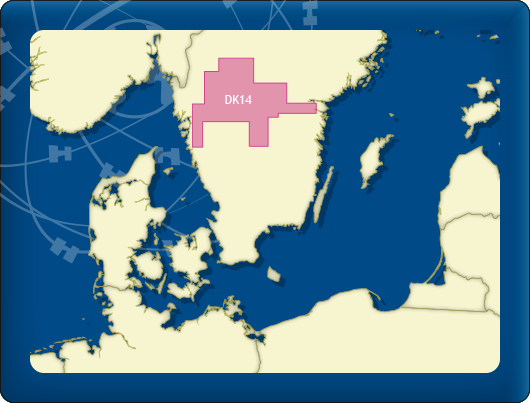
- DKW DK14 Göta Canal with Vänern & Vättern
- DKW DK Band 1 Mittelland Canal and Elbe-Seitenkanal
- DKW DK Band 2 The Elbe
- DKW DK Band 3 Berlin – Müritz – Dömitz
- DKW DK Band 4 From the Elbe to the Oder
- DKW DK Band 5 From the Rhine to the Northsea
- DKW DK Band 6 The Rhine / Rheinfelden to Koblenz
- DKW DK Band 7 The Rhine / Koblenz to Tolkamer
- DKW DK Band 8 Oder & Peene
- DKW DK Band 9 From the Ems to Elbe
- DKW DK Satz 21 German North Sea Coast 1
- DKW DK Satz 22 German North Sea Coast 2
- DKW DK Satz 23 Dutch Coast
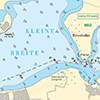
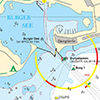
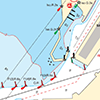
Depth image
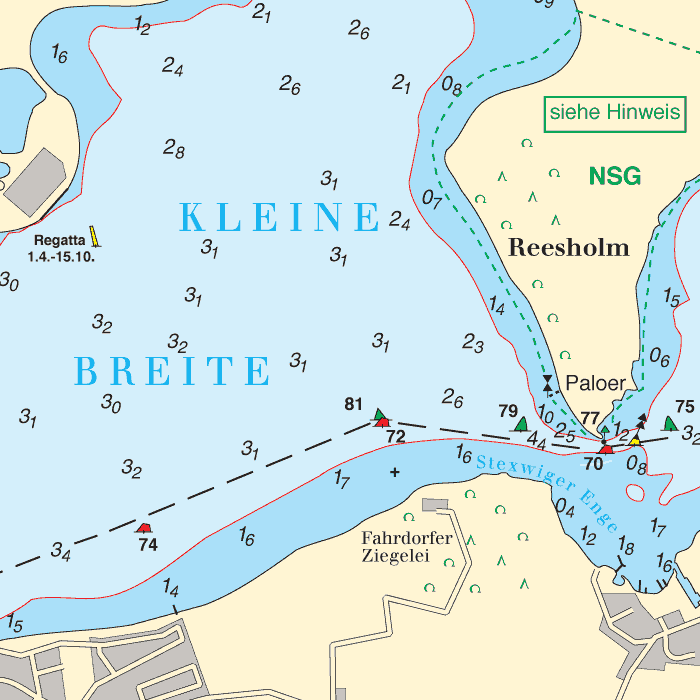
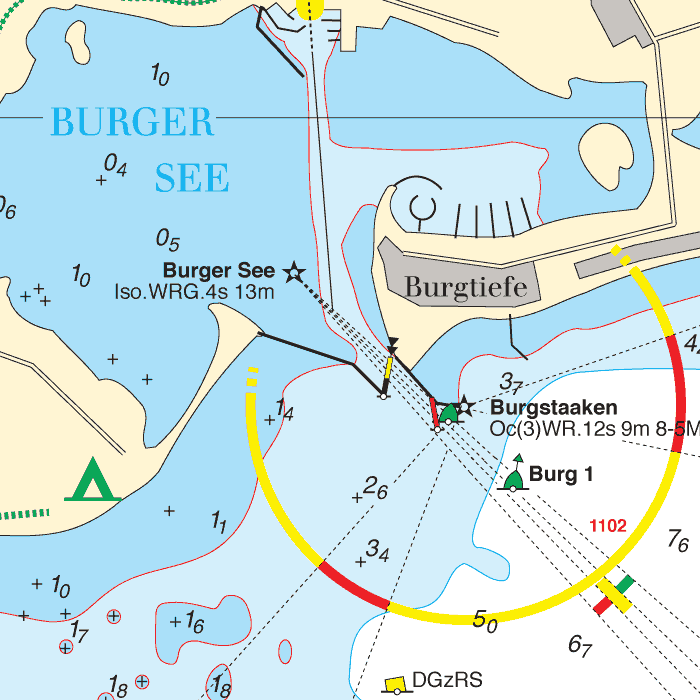
De depths are shown in clear colors; deep waters are white and shallow waters are color coded. This is comparable to the DKW 1800 series.
Chart image
The DKW Delius Klasing series are comprised of raster charts. Because of this, the charts are an exact copy of the paper versions and you will see pixels when zoomed in to the maximum amount. The advantage of this is that all information, for example buoyage or shallows, are projected on the exact coordinates. When using vector charts a misleading image can show up when zooming in.
All products in the DKW Delius Klasing series
Click on an image for more information about the chart set.
|
DKW DK1 |
DKW DK2 |
DKW DK3 |
|
DKW DK4 |
DKW DK5 |
DKW DK6 |
|
DKW DK7 |
DKW DK8 |
DKW DK9 |
|
DKW DK10 |
DKW DK11 |
DKW DK12 |
|
DKW DK13 |
DKW DK14 |
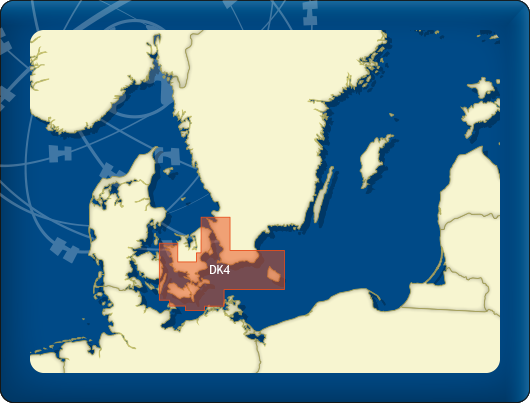
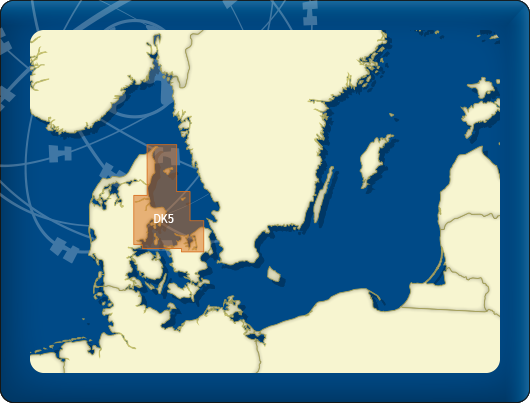
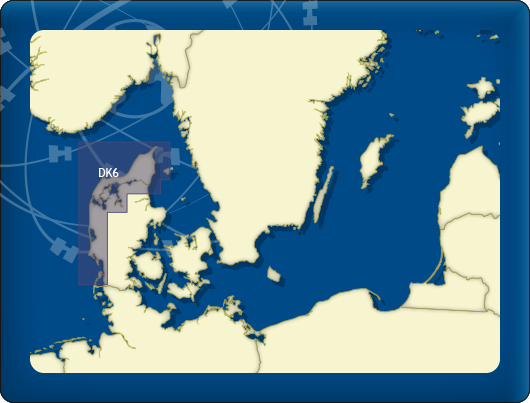
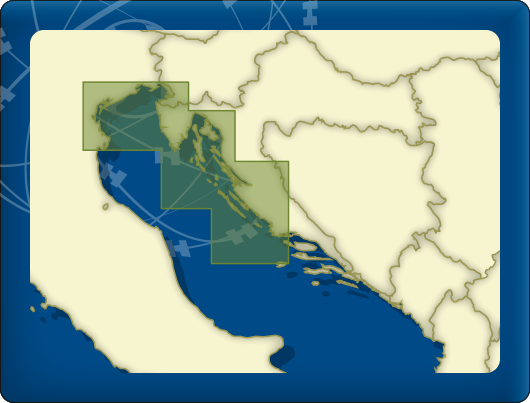
|
System Requirements: This chart can be used in the free WinGPS Lite for Windows and can also be installed on the WinGPS Marine apps for Android and iOS. For accurate route planning with rotating chart and AIS you will need at least WinGPS Pro or the paid version of WinGPS Marine. Click here for more information about the WinGPS series. |
|
|
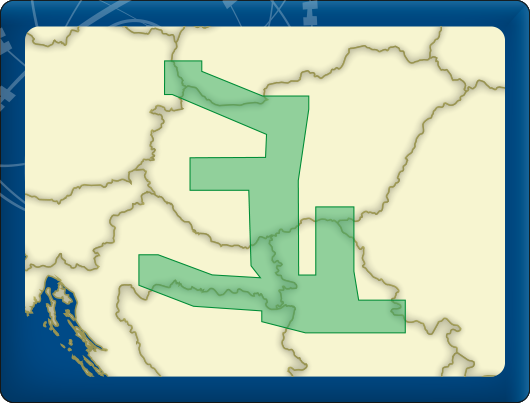
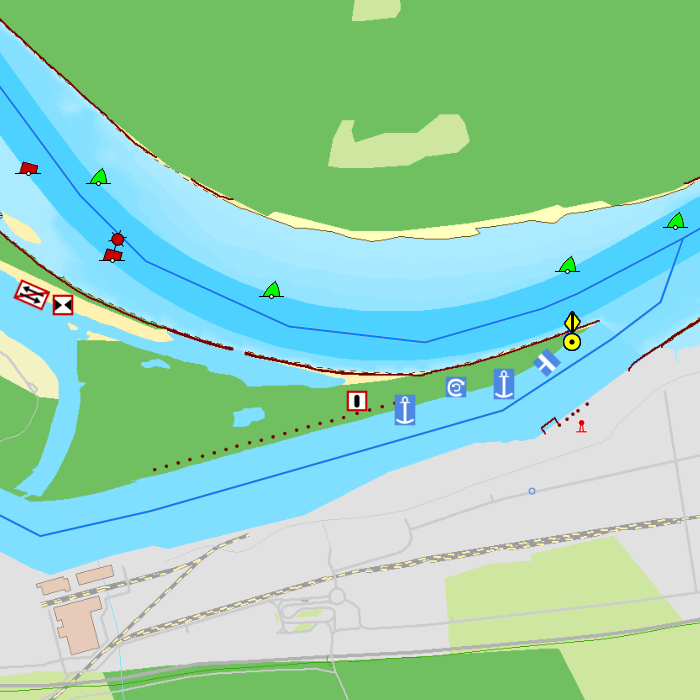
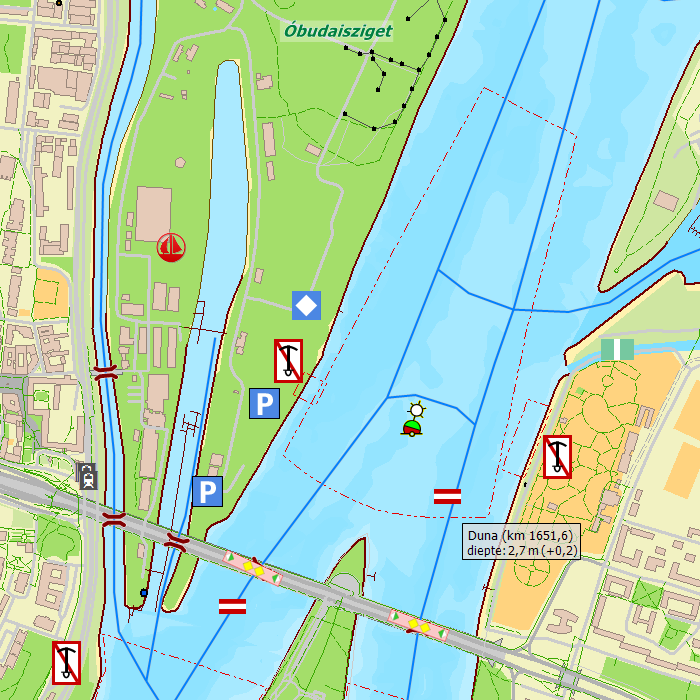
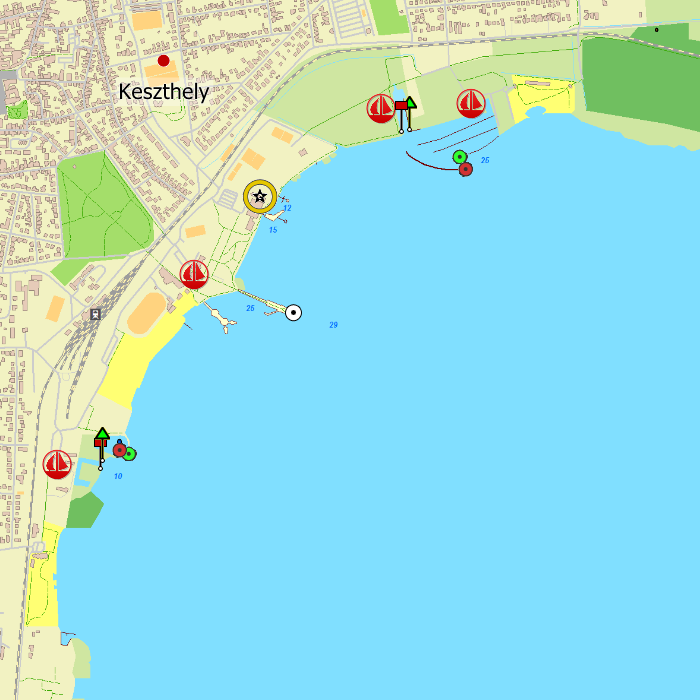
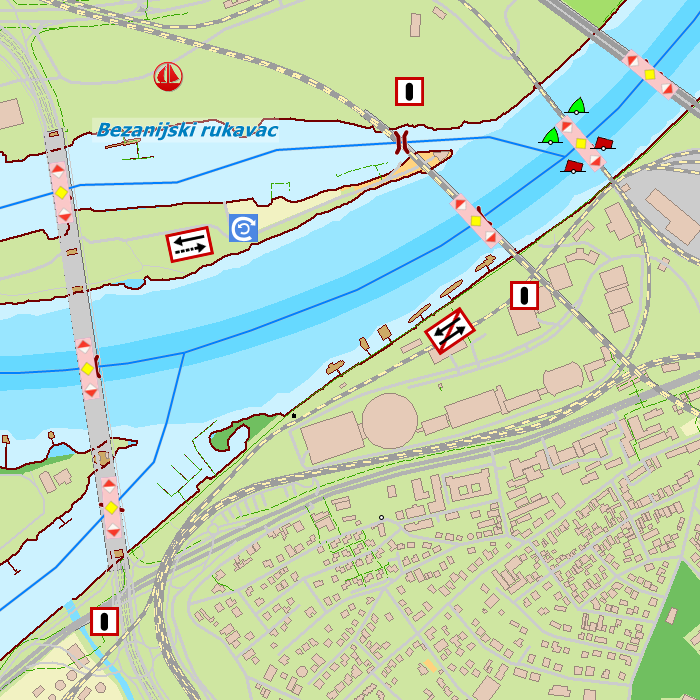
DKW Danube 2-Central
The DKW Danube 2-Central is developed for sailors, motorboaters and commercial shipping. The chart gives a clear view of all the Central Danube and is ideal in combination with the paid versions of WinGPS. Using the route network you can easily and quickly plan routes on the Central Danube.
Covering area
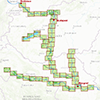
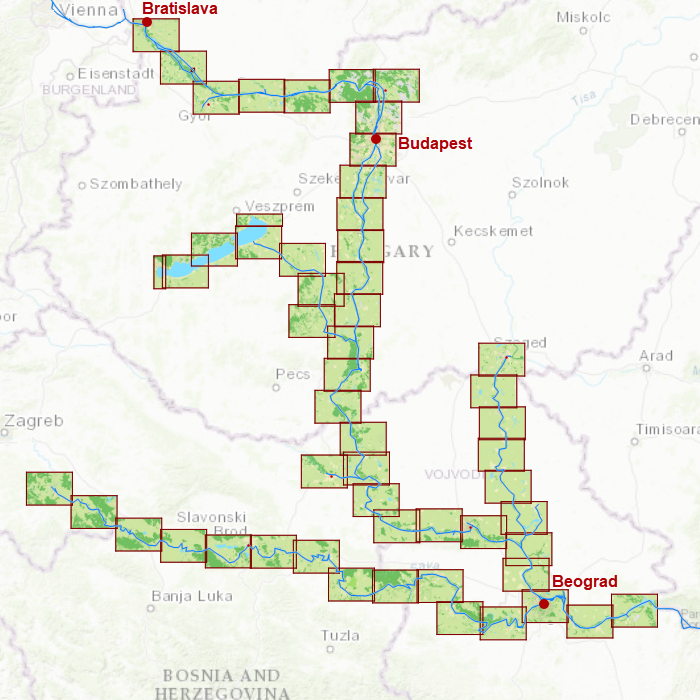
In this chart set the central Danube is covered from Bratislava past Budapest and Lake Balaton up until Szeged, Sisak and Belgrade including a.o.
- Danube, from Vienna past Požarevac (km 1934-1060)
- The Sió
- The Sava
- The Tisa
Depth image
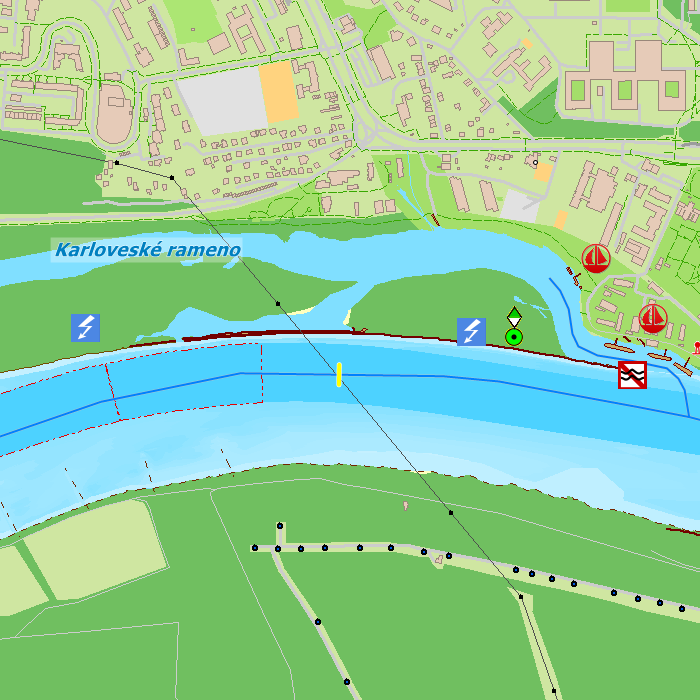
This chart set has a unique and clear depth image. The chart is published annually by Stentec, based on OpenStreetMap, IENC charts and user remarks. The chart has a high level of detail with 2 meter per pixel, making it possible to zoom in up until the jetties at your home port.
Chart image
Stentecs inland water charts are so-called hybrid charts. The bottom surface is a raster format. This is where a.o. the quays, depths and buildings are shown. All other navigational information is projected on top of this through waypoints. These waypoints remain the same size when zooming in or out. The chart can be fully personalized by adding or removing certain waypoint groups and showing you only the information you select.
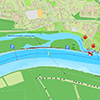
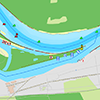
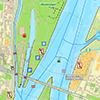
The DKW Danube 2-Central has waypoints, with a.o. buoys, harbours, moorings, diesel tank stations, watersport campsites and VHF channels.
Specifically for commercial shipping waterway signs and VIN moorings are added.
|
|
|
System Requirements: This chart can be used in WinGPS for Windows and can also be installed on the WinGPS Marine apps for Android and iOS. For accurate route planning with rotating chart and AIS you will need at least WinGPS Pro or the paid version of WinGPS Marine. Click here for more information about the WinGPS series. |
Do you have any questions?
Call us on +31 515 443515, fill in the contact form or make an appointment at our servicepoint in Heeg.
Click here for our opening hours.


News
 The warm weather made for a wonderful season to be out on the water. At the same time, this poses major challenges on Dutch and European waterways.
Water...
The warm weather made for a wonderful season to be out on the water. At the same time, this poses major challenges on Dutch and European waterways.
Water...
 Good news: there’s a major update for our WinGPS navigation app for iOS WinGPS Marine Plus!
With this paid version of WinGPS for your iPad and/or iPhone, you...
Good news: there’s a major update for our WinGPS navigation app for iOS WinGPS Marine Plus!
With this paid version of WinGPS for your iPad and/or iPhone, you...
 It’s that time of year again: Sneekweek is just around the corner! The sailing spectacle of the year not only offers plenty of fun and sportsmanship, but for...
| WinGPS Navigator |
|
• Easy to use route planner |
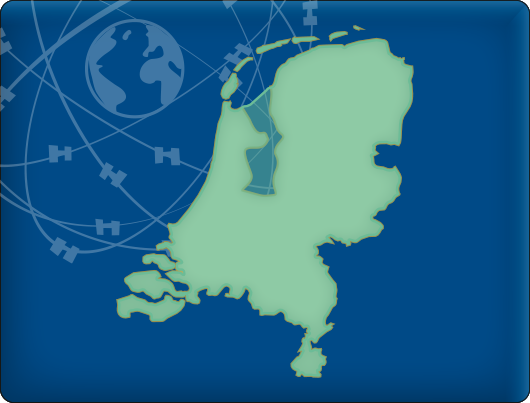
| WinGPS Marine |
|
A navigation app for use aboard your ship. An upgradable navigation solution for all sailors, from beginner to professional. |


Stentec Navigation is specialised in digital navigation for water sporters and commercial shipping.
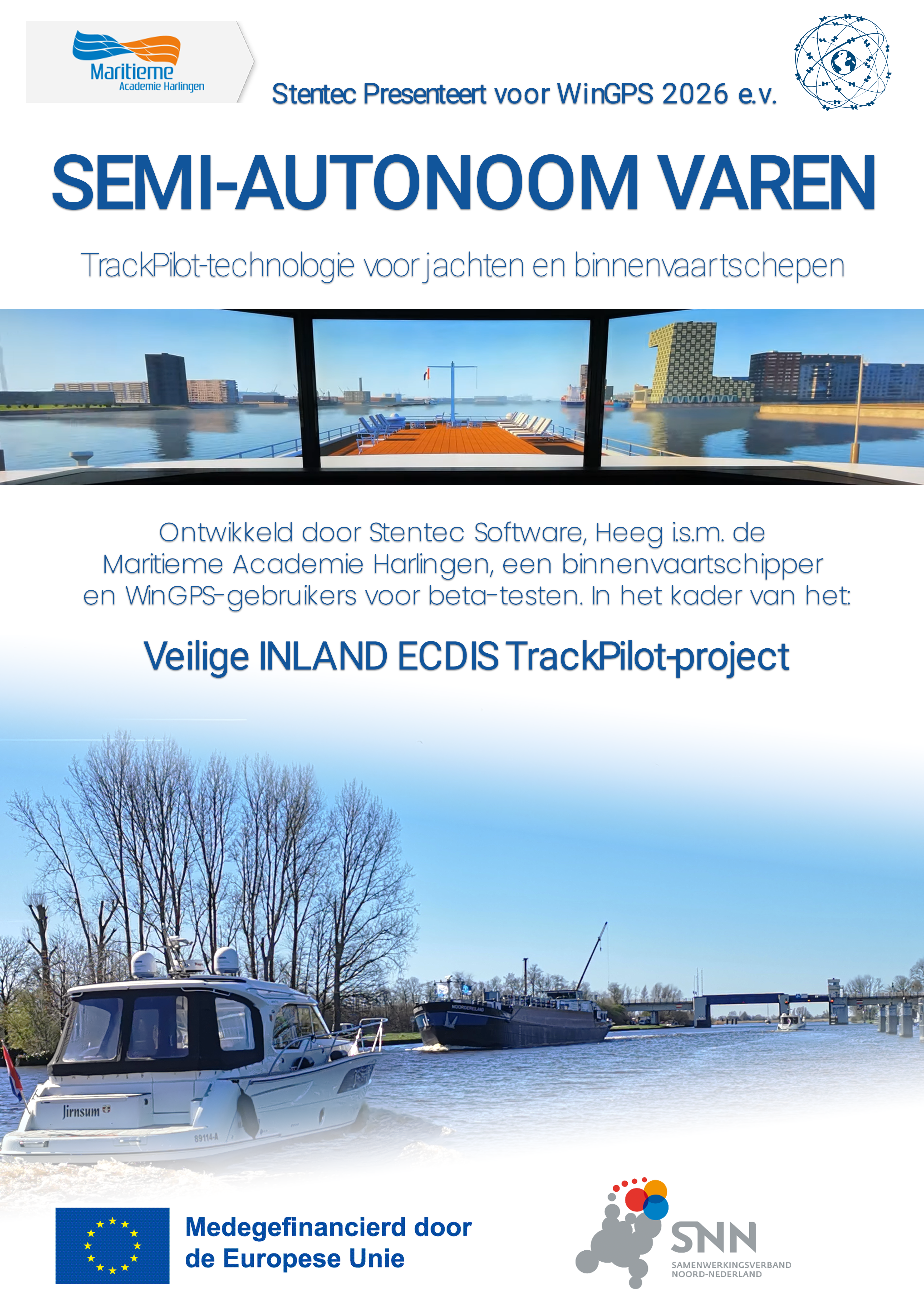
Trackpilot-project : 2025-2028

Harinxmastrjitte 29
8621 BJ HEEG
The Netherlands
T +31 (0) 515 443515

Copyright © Stentec Software. All rights reserved.
By using this website you acknowledge that you agree with our user agreement.