


- News
- E-mail list
- Signup for our newsletter
- Stentec news
- News
- Developers Blog
- WinGPS
- WinGPS series
- WinGPS versions
- WinGPS specifications
- For Windows
- WinGPS Lite
- WinGPS Navigator
- WinGPS Pro
- WinGPS Voyager
- For Android
- WinGPS Marine
- WinGPS Marine Plus
- WinGPS Smartwear
- For iOS
- Apps for iOS
- WinGPS Marine
- WinGPS Marine Plus
- DKW 1800 series
- Vaarkaart Friese Meren
- Service and upgrades
- Service Subscriptions
- WinGPS Yacht Navigator
- WinGPS trackpilot
- Charts
- Chart overview
- DKW Inland waters
- DKW The Netherlands
- DKW Friese meren
- DKW Amsterdam
- DKW Biesbosch
- DKW Belgium
- DKW Northern France
- DKW Southern France
- DKW Northeast Germany
- DKW Northwest Germany
- DKW Southwest Germany
- DKW Rhine and Moselle
- DKW Danube 1-West
- DKW Danube 2-Central
- DKW Danube 3-East
- DKW Coastal waters
- DKW 1800 series
- DKW 1600+
- DKW UK1 English & Scottish Eastcoast
- DKW German Bight
- DKW German Baltic coast
- DKW Imray series
- DKW Delius Klasing series
- NV-Verlag series
- Exclusive for Android
- Subscription - DKW the Netherlands
- Chart apps
- Other
- Hardware
- Simulators
- Shop
- Downloads
- Support
- Downloads
- Help pages
- Documentation
- System Requirements
- Availability GRIB files
- Frequently asked questions - FAQ
- WinGPS 5
- WinGPS Marine (Android)
- WinGPS Marine (iOS)
- Installation help
- WinGPS 5 (Windows)
- WinGPS Marine (Android)
- Tips
- Offline installation DKW charts (Windows)
- Installation ENC charts (Windows)
- Connecting SD card (Android)
- NV Verlag charts
- Offline NOAA Charts
- Download TeamViewer
- Contact
- Contactform - Helpdesk
- Callback Service
- Commercial Shipping
- Details

|





- Details

Are you still looking for a version of WinGPS that better suits your needs and boating trips?
Now is the perfect time to take a closer look at your navigation system:
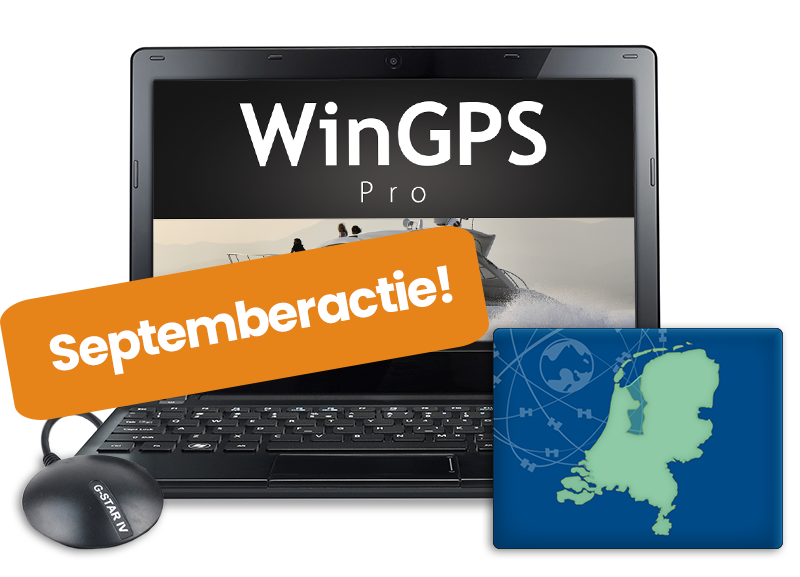
Should you purchase WinGPS for Windows now, or upgrade to a more comprehensive version? If you do, you’ll also receive the 2027 edition as soon as it’s released, keeping you up to date through 2028. This promotion runs through September 30.
We’ve listed all WinGPS versions for Windows, Android, and iOS:
Navigation on Windows - September Special!
Get started easily with simple route planning in the Navigator, and upgrade your WinGPS as soon as you want more features: tides, AIS, weather data, and optimal route calculation.
See below to find the version that’s right for you.
Already using a WinGPS version for Windows? Then you can upgrade to a new or more advanced version at a discounted price.
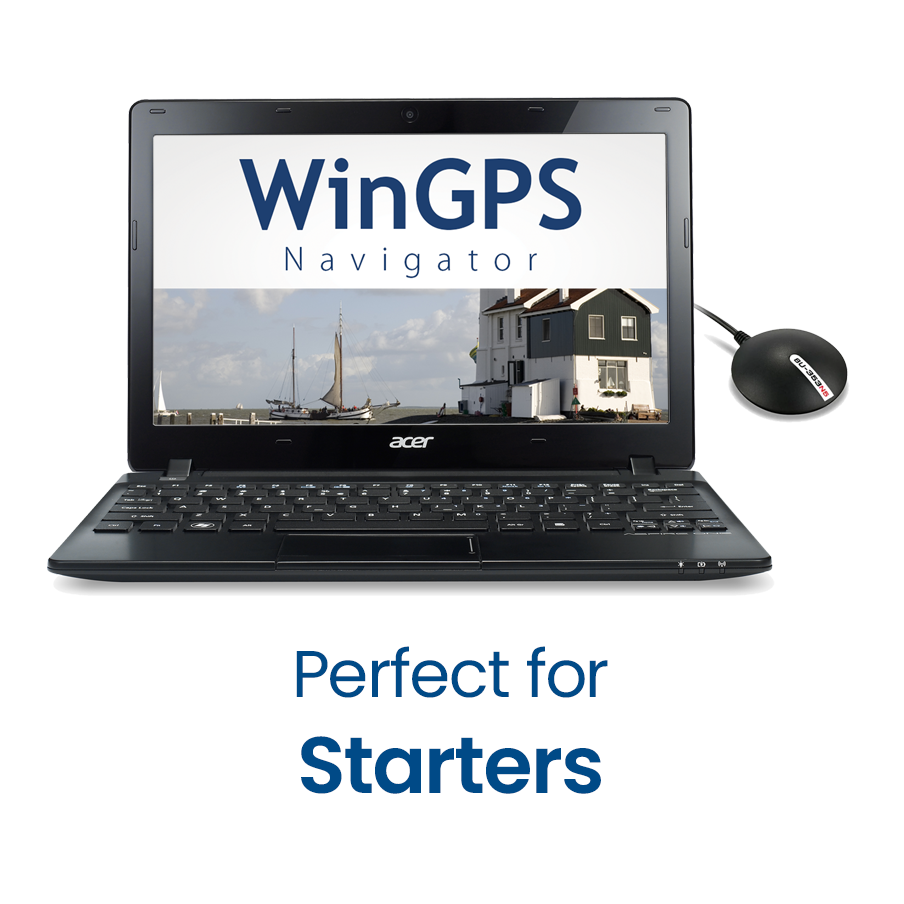
WinGPS Navigator is a
comprehensive and affordable basic navigation program for sailors and boaters on inland waterways.
Plan your routes across the extensive waterway network, download GRIB files, and review your trips.
€179 (including VAT)

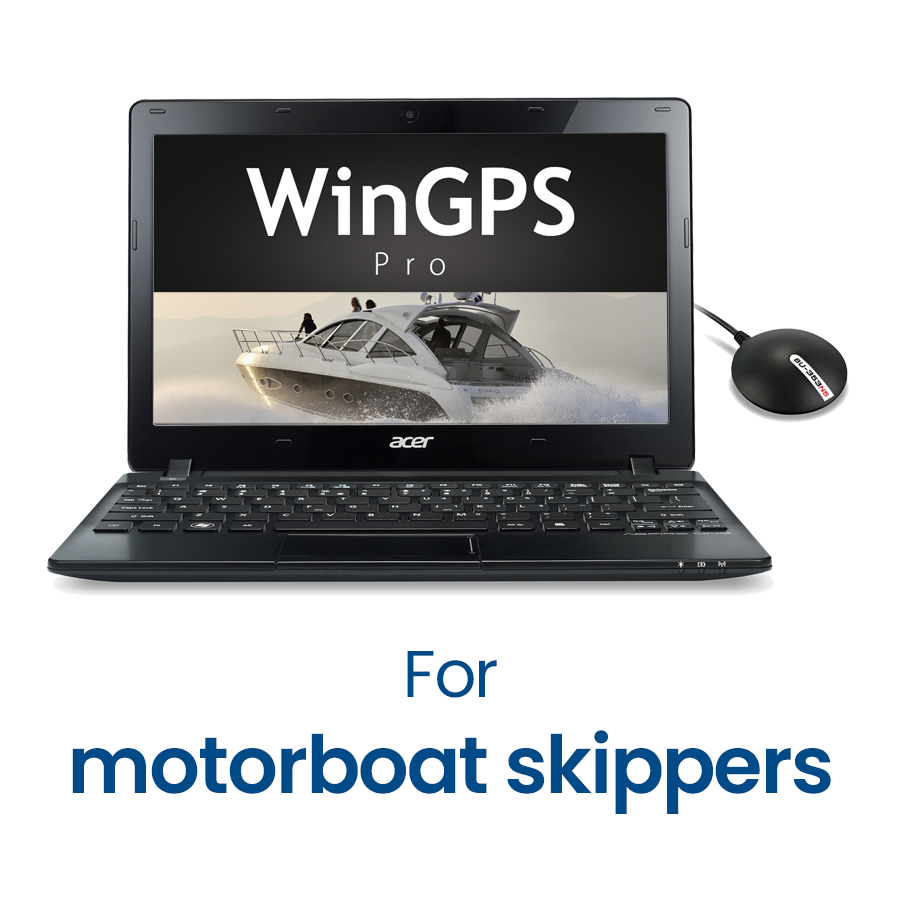
In addition to navigation and route planning, would you also like to connect your onboard instruments, such as AIS? Or sail in tidal waters?
If so, WinGPS Pro is the comprehensive navigation program for you, designed for both open water and inland waterways.
€319 (including VAT)
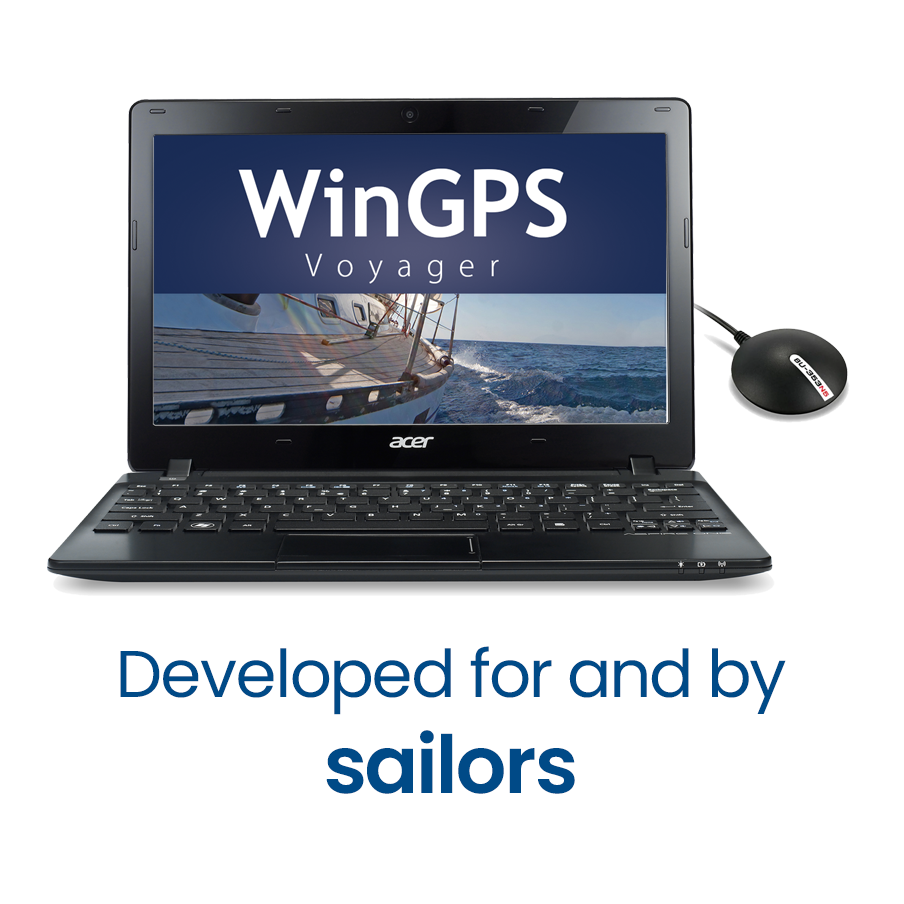
Stentec’s top-of-the-line navigation program, WinGPS Voyager, helps you plan the optimal route, providing added safety on long voyages and a competitive edge in races.
Voyager displays the fastest, shortest, most fuel-efficient, or most cost-effective route, whether under motor or sail, using the polar diagram and GRIB data.
€419 (including VAT)
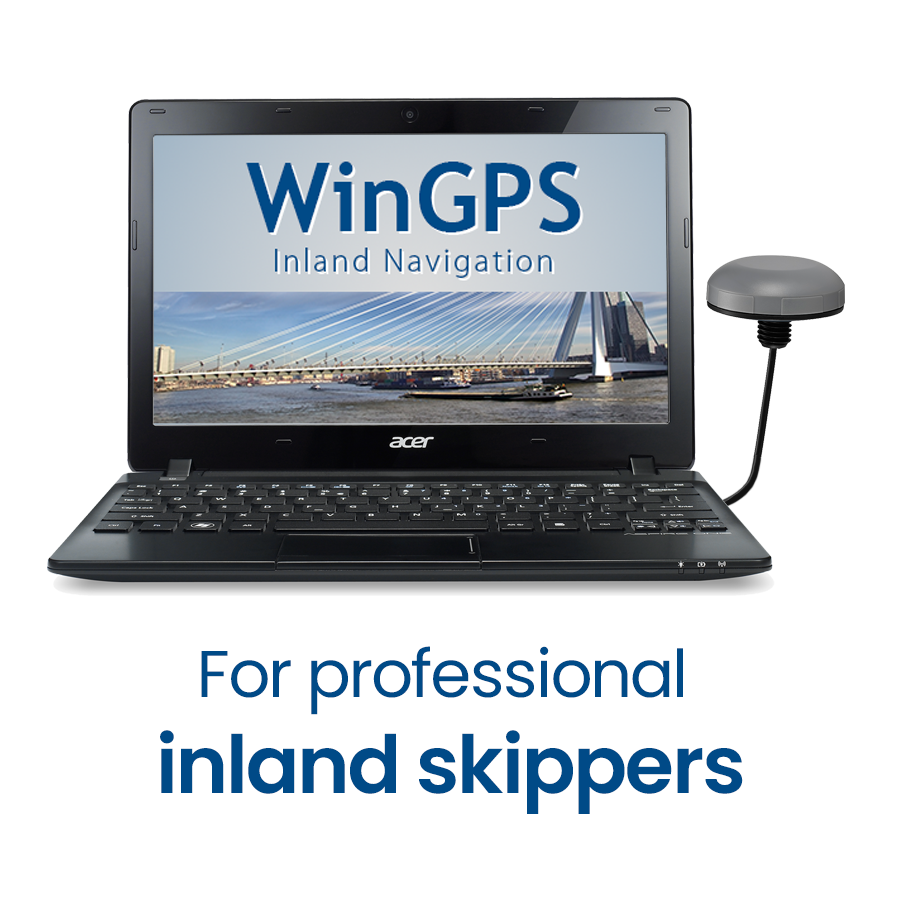
Designed specifically for commercial and recreational boating with AIS Class-A or INLAND-AIS, the planning and navigation program
WinGPS Inland Navigation
is available for your laptop or onboard PC.
By loading the free IENC charts and connecting AIS and GPS, you can quickly and easily create a cost-effective, innovative, and sustainable onboard navigation system.
€499 (excl. VAT)
Navigation on iOS and Android
WinGPS Marine+ is a navigation app available in two versions:
 an annual subscription, available for navigation on Android devices
 a one-time purchase, available for navigation on the iPad and iPhone.
These apps offer you a convenient navigation solution on board and are ideal as a backup alongside WinGPS on your laptop:
- Plan routes across the extensive waterway network
- Download GRIB files for forecasts of wind, precipitation, air pressure, waves, currents, water levels, and temperature.
- Connect your AIS.
This year has seen major updates to WinGPS Marine+; the iOS version, in particular, has gained some great new features and has become much more stable.
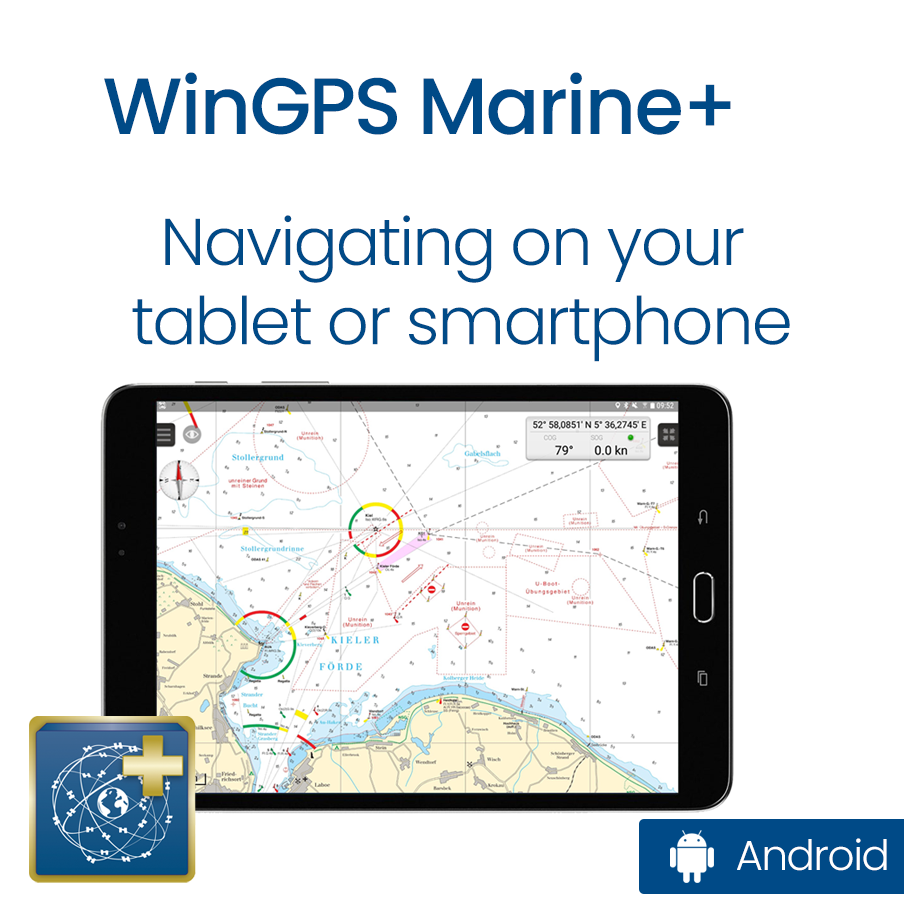
€39.90 per year (including VAT)
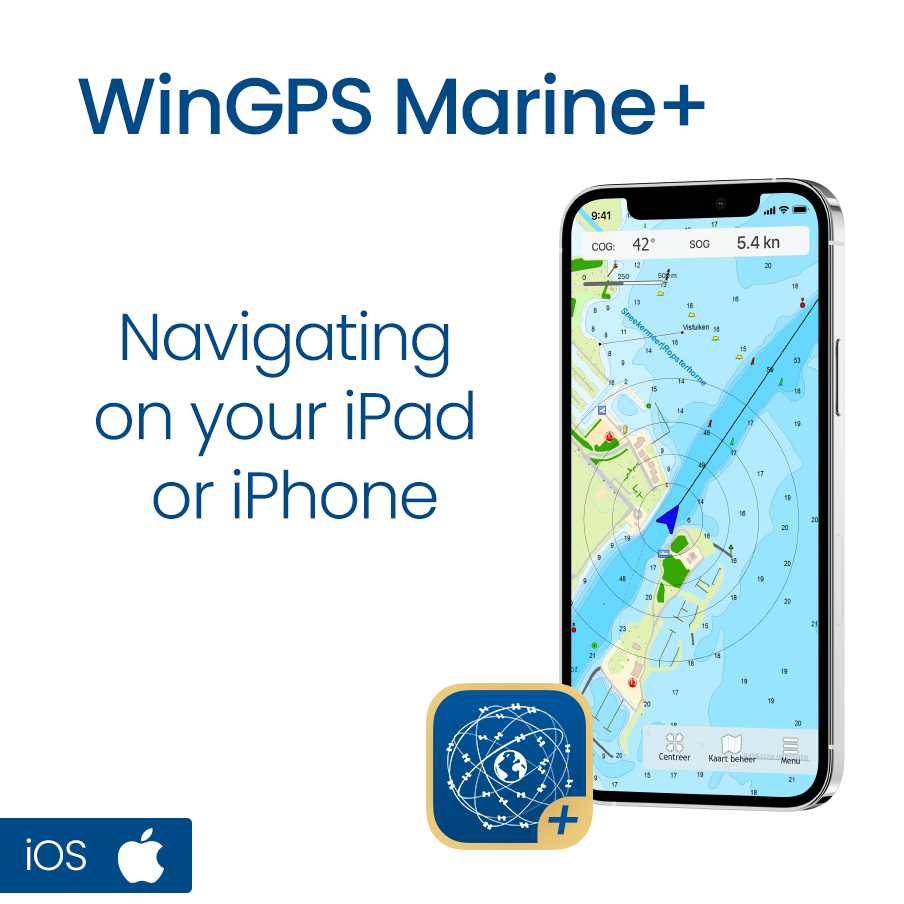
One-time fee of €99 (including VAT)
Updating your digitale charts
In addition to your WinGPS navigation software, it’s also important to update your digital charts, or your DKW charts. Since everyone sails in different areas, these are not included with WinGPS by default.
Are you ordering a new WinGPS 6 along with new charts? If so, you’ll also receive updates for those charts through 2028.
Would you like to purchase individual DKW charts or upgrade them for your trips in 2027? You’ll soon be able to upgrade your charts at a discount during our fall promotion.
Personal advice
If you have any questions, or if you'd prefer to work with us to determine which version best suits your needs, we'd be happy to assist you.

News
- Save €50 on your 2027 Premium Subscription today!
- Discover WinGPS: which version suits your boating needs?
- Low water levels? Sail safely and worry-free with WinGPS
- Major update for WinGPS Marine Plus - iOS
- Sneekweek Promotion: Up to €40 off WinGPS and DKW charts
- Summer on the water with WinGPS for Windows
- Updates: Wadden Sea, Oosterschelde and English East Coast.
- Do you already have WinGPS Marine Plus?
- From Paris to Budapest: always sail with up-to-date charts.
- Last Chance: Summer discount !
Harinxmastrjitte 29
8621 BJ HEEG
The Netherlands
T +31 (0) 515 443515


Copyright © Stentec Software. All rights reserved.
By using this website you acknowledge that you agree with our user agreement.