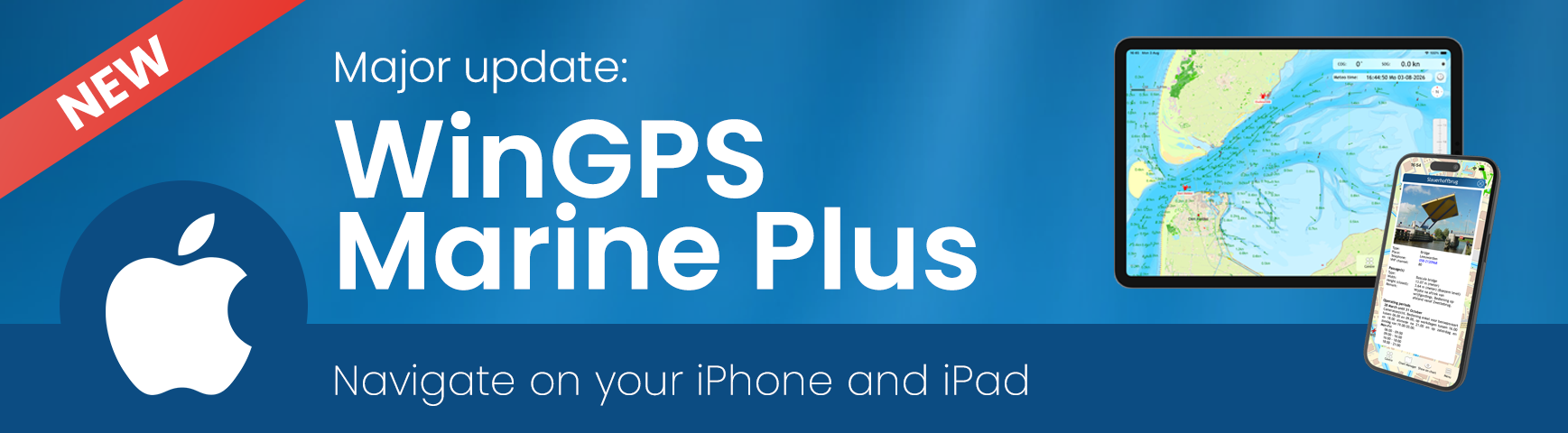
Good news: there’s a major update for our WinGPS navigation app for iOS WinGPS Marine Plus!
With this paid version of WinGPS for your iPad and/or iPhone, you could already plan routes, connect to AIS, and view your routes, but now you can also:
- Download and view GRIB-files
- View NL tidal data
- View photo's of bridges and locks
- Import GPX files
and more... So don’t wait any longer and download WinGPS Marine Plus on your iPhone and iPad:

Tip: This is an update for the paid version of WinGPS for iOS. The free version has not received an update.
Combining WinGPS Versions
Did you know that you can install your DKW charts on 3 devices running Android or Windows and use them simultaneously? And that you can also use the charts on 2 iOS devices?
This way, you always have your navigation at your fingertips and a backup as well.
Check out the different WinGPS versions here:

A complete overview of what's new:
- New Weather & Tides display featuring wind, rain, air pressure, temperature, cloud cover, waves, currents, water levels, and depth, where available. This also includes the familiar NL tides for the Dutch coast, as well as currents extending to the German Bight.
- View forecasts and tides using the new time control bar.
- Import routes and tracks from GPX files.
- New News Center with unread message notifications.
- View and zoom in on photos of bridges, locks, and other structures.
- Improved “Show on Chart” options and clearer menu navigation.
- Routes now avoid known obstacles by default, after which you can choose to “Ignore obstructions” (under Menu > Settings > My Vessel). This used to work the other way around.
- Clearer progress indicators for chart and data downloads.
- Improved display of the NMEA connection status.
- Improvements to dark mode, startup, account management, and overall stability.